RefCheck
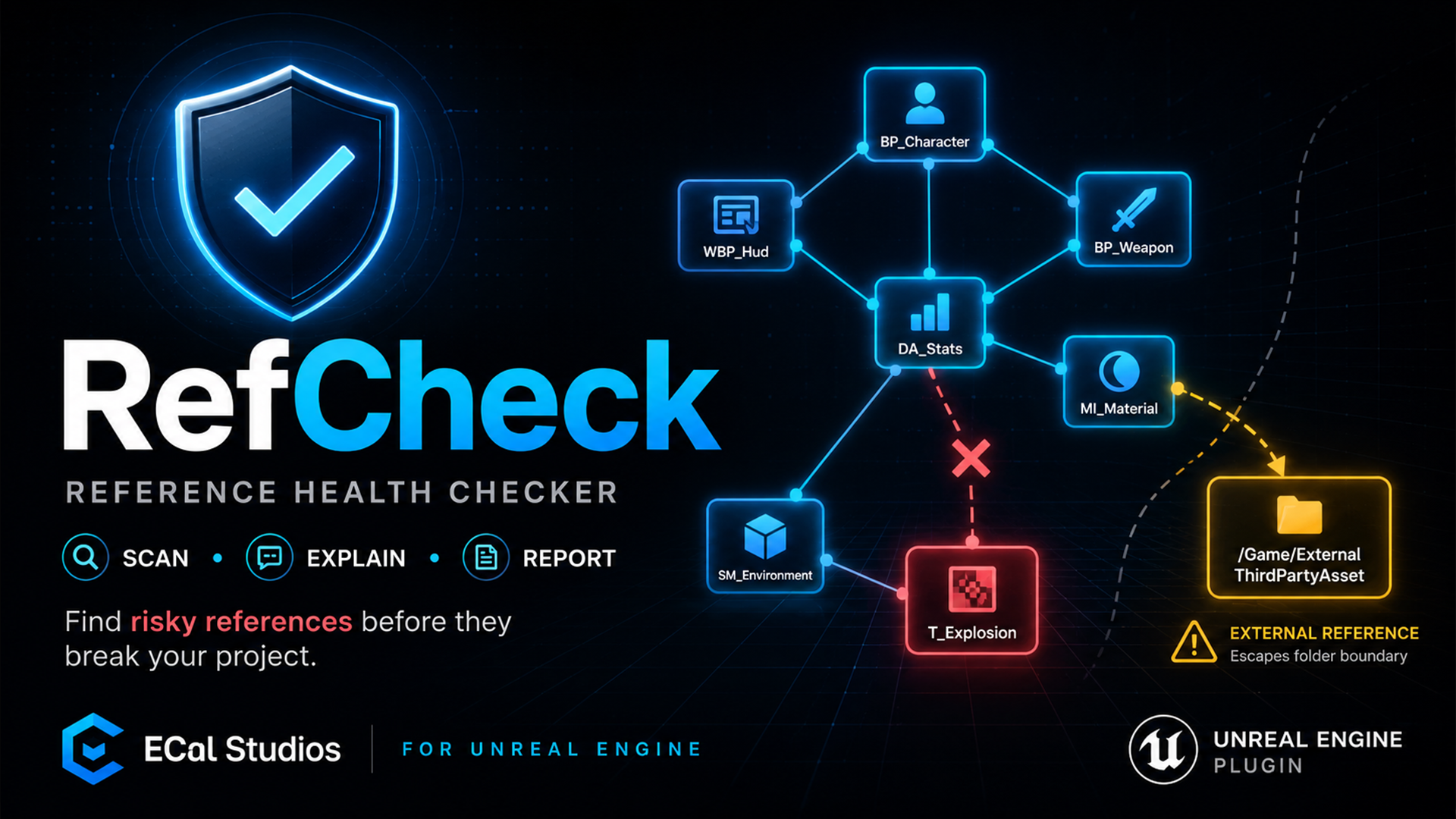
RefCheck is an editor-only Unreal Engine plugin for checking reference health before packaging, migration, Fab submission, or sharing a Blueprint system with another project.
It scans selected assets, selected folders, the open level, or the whole project, then turns the results into a clear health score, issue categories, dependency chains, and exportable reports. RefCheck is intentionally read-only in version 1.0.0: it helps you find and understand risky references, but it does not move, rename, delete, or automatically fix assets.
What RefCheck helps with
-
Reference Health Score
Get a quick 0-100 score with clear issue counts for critical references, external dependencies, plugin content, circular chains, and suspicious paths.
-
Scoped reference scans
Scan the whole project, one folder, selected assets, or the currently open level depending on what you are preparing.
-
Risk-focused results
Review missing references, soft-missing references, external folder links, suspicious test/dev paths, plugin dependencies, redirector-related risks, and bounded circular chains.
-
Dependency chain review
See readable dependency chains for issues that need context, then open Unreal's Reference Viewer from the issue detail panel when you need a full graph.
-
Presets and custom scan options
Start with practical built-in presets for everyday scans, Fab/package readiness, Blueprint systems, fast checks, or deeper analysis.
-
Markdown, HTML, and CSV reports
Export a readable report for cleanup notes, team review, submission records, or spreadsheet-based issue tracking.
Dashboard overview
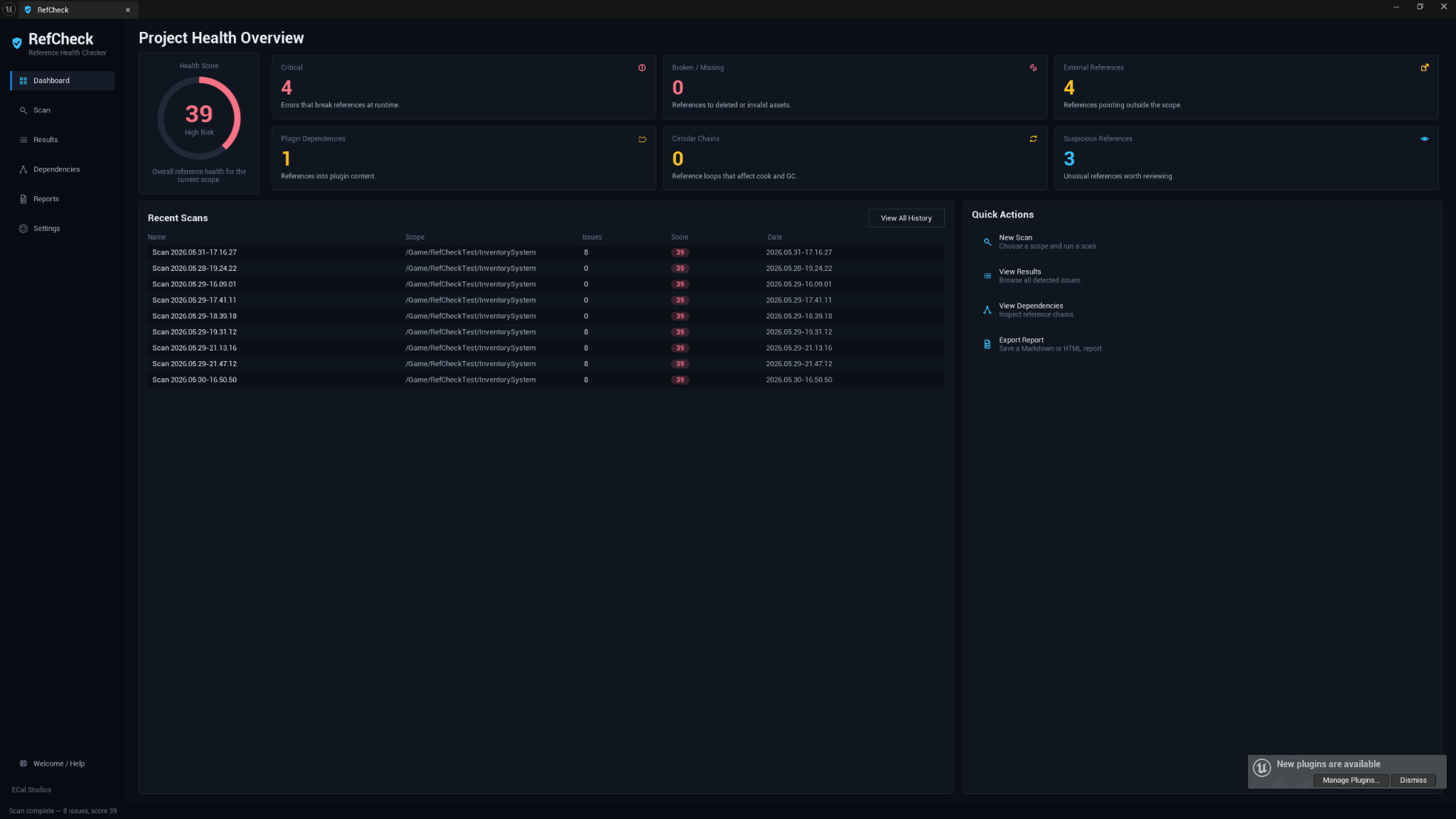
The Dashboard gives you the current reference-health state at a glance: health score, issue-category cards, recent scans, and quick actions for starting a new scan, reviewing results, checking dependency chains, or exporting a report.
Use it when you want a fast answer to: does this content depend on anything risky before I package or share it?
Scan setup
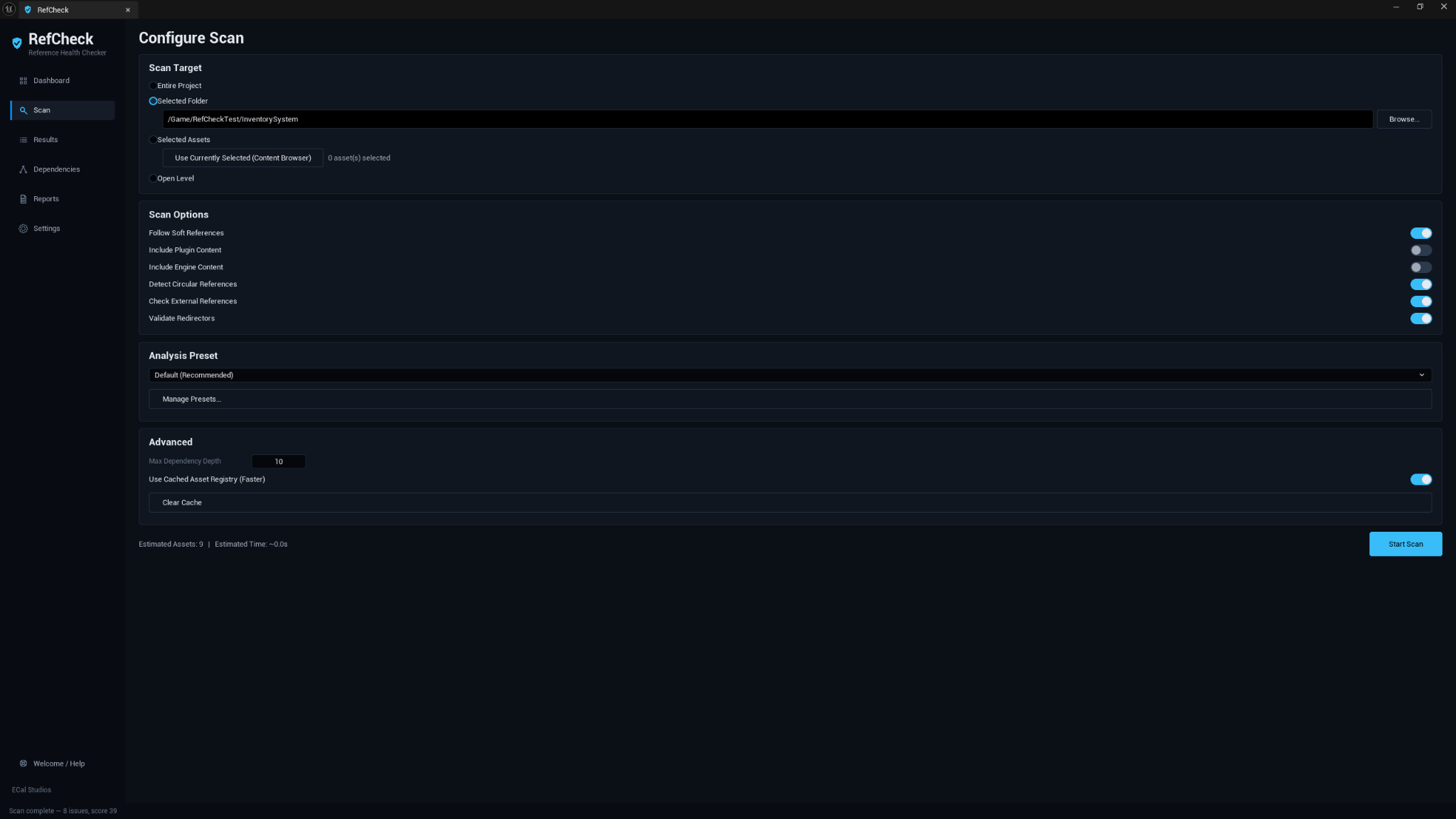
The Scan page is where you choose what RefCheck should inspect. You can scan the entire project, a selected folder, selected assets from the Content Browser, or the open level.
The most useful everyday workflow is usually:
- Pick Selected Folder when you are checking a Blueprint system, content pack, or feature folder.
- Choose a preset such as Default (Recommended) or Fab Seller / Package Readiness.
- Leave the safety options enabled unless you have a specific reason to narrow the scan.
- Click Start Scan and review the results.
Results review
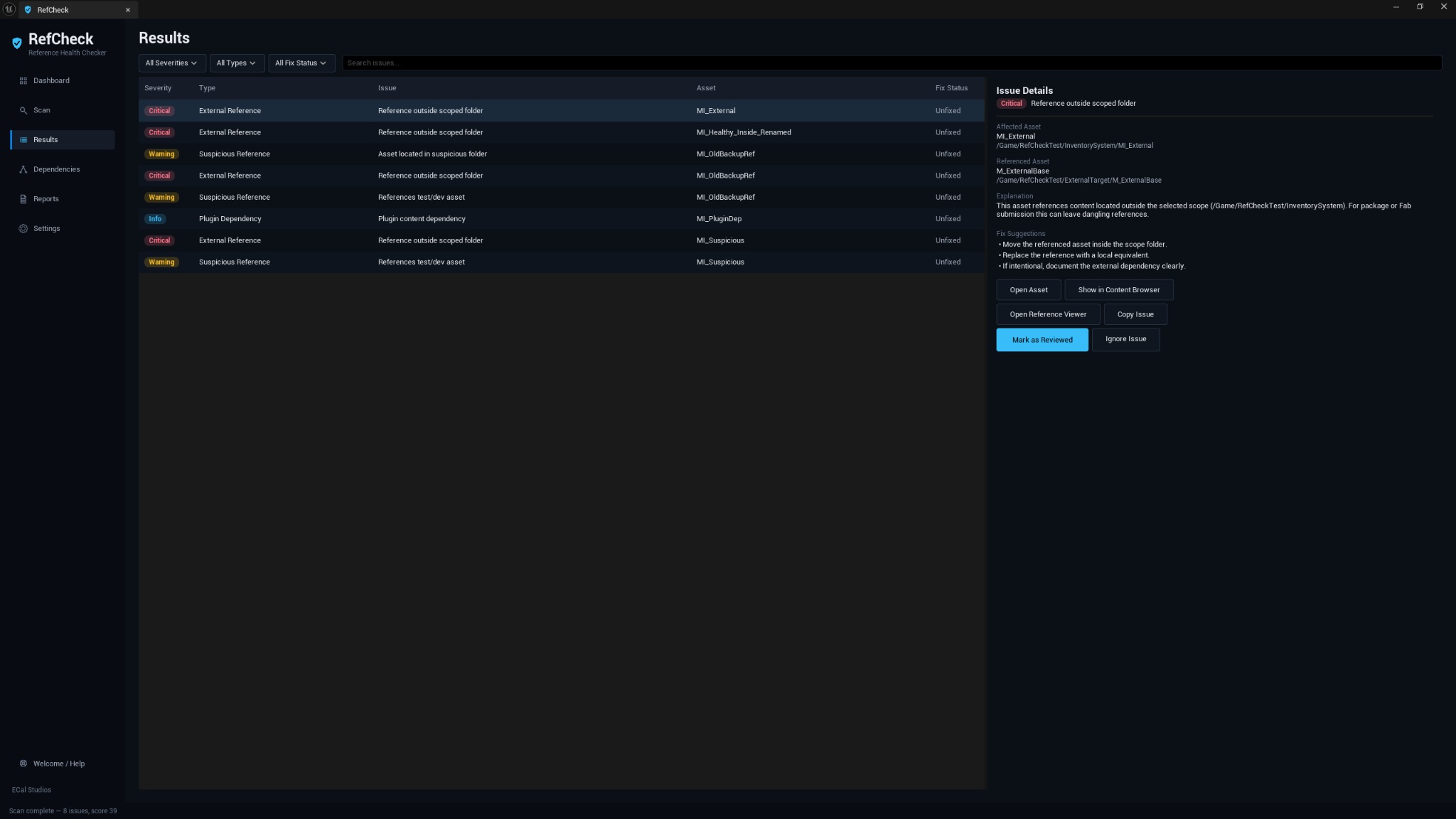
The Results page shows every finding from the last scan in a searchable, filterable table. Selecting a row opens a detail panel with the affected asset, referenced asset or path, explanation, suggested actions, and navigation buttons.
Useful actions include:
- Open the affected asset.
- Show the asset in the Content Browser.
- Open Unreal's Reference Viewer for deeper inspection.
- Copy a formatted issue summary.
- Mark a finding as reviewed or ignored for your own tracking.
Dependency chains
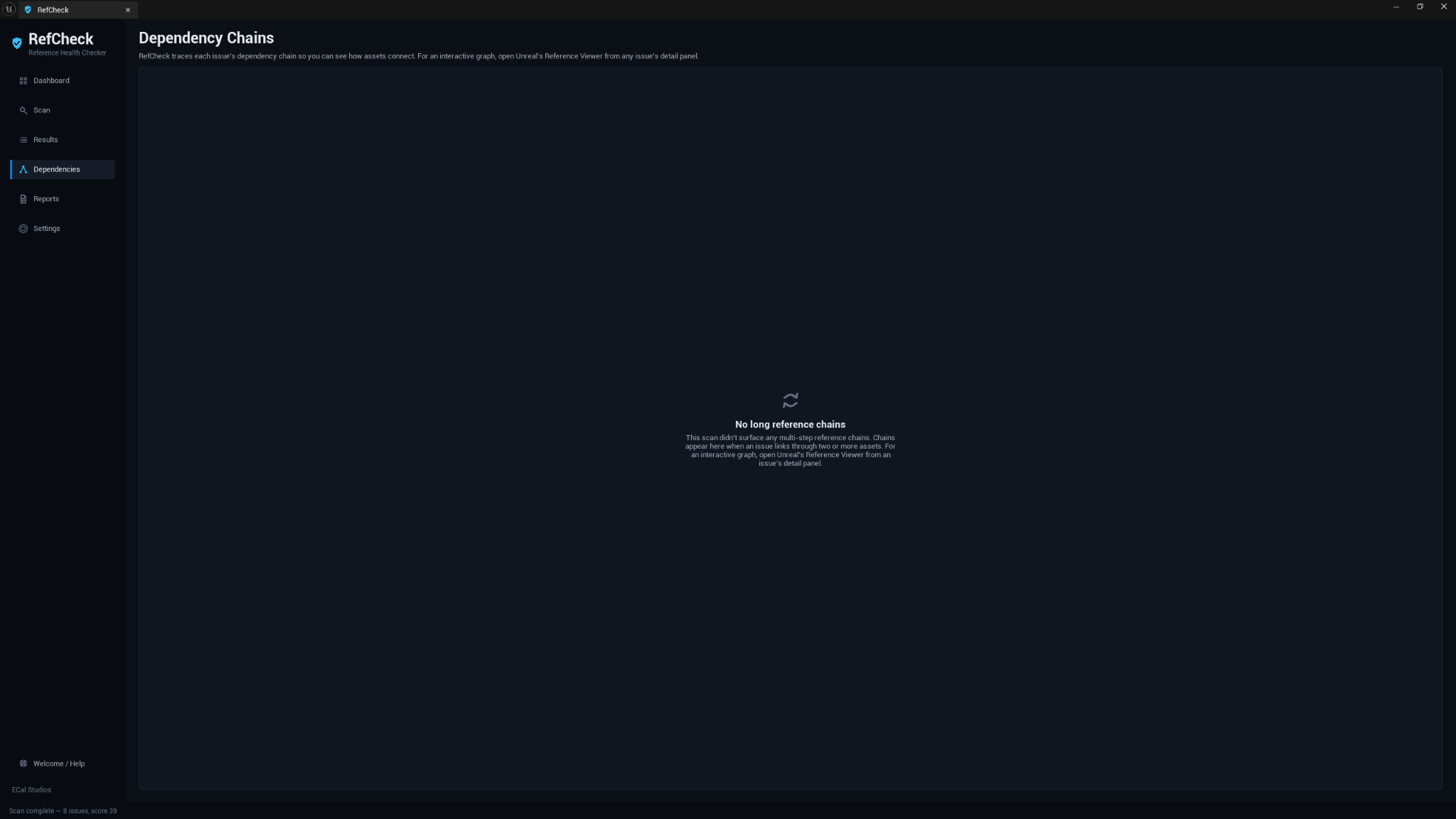
The Dependencies page focuses on chain-based issues. It is useful when a problem is not just one asset pointing at another, but a longer path of references that explains how the risky dependency is reached.
RefCheck keeps this view readable in version 1.0.0. For a full interactive node graph, open Unreal's built-in Reference Viewer from an issue detail panel.
Presets
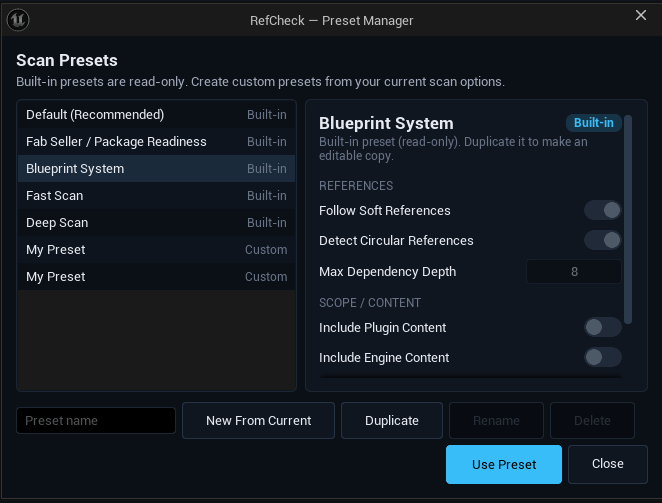
RefCheck includes five built-in presets:
| Preset | Best for |
|---|---|
| Default (Recommended) | Balanced everyday reference checks. |
| Fab Seller / Package Readiness | Preparing content for packaging, migration, or Fab submission. |
| Blueprint System | Checking whether a Blueprint system stays inside its intended folder. |
| Fast Scan | A quick, shallow scan when you just need a first pass. |
| Deep Scan | Wider dependency walking when you want a more thorough review. |
You can also create custom presets from your current scan options. Built-in presets are read-only so you always have safe defaults to return to.
Reports
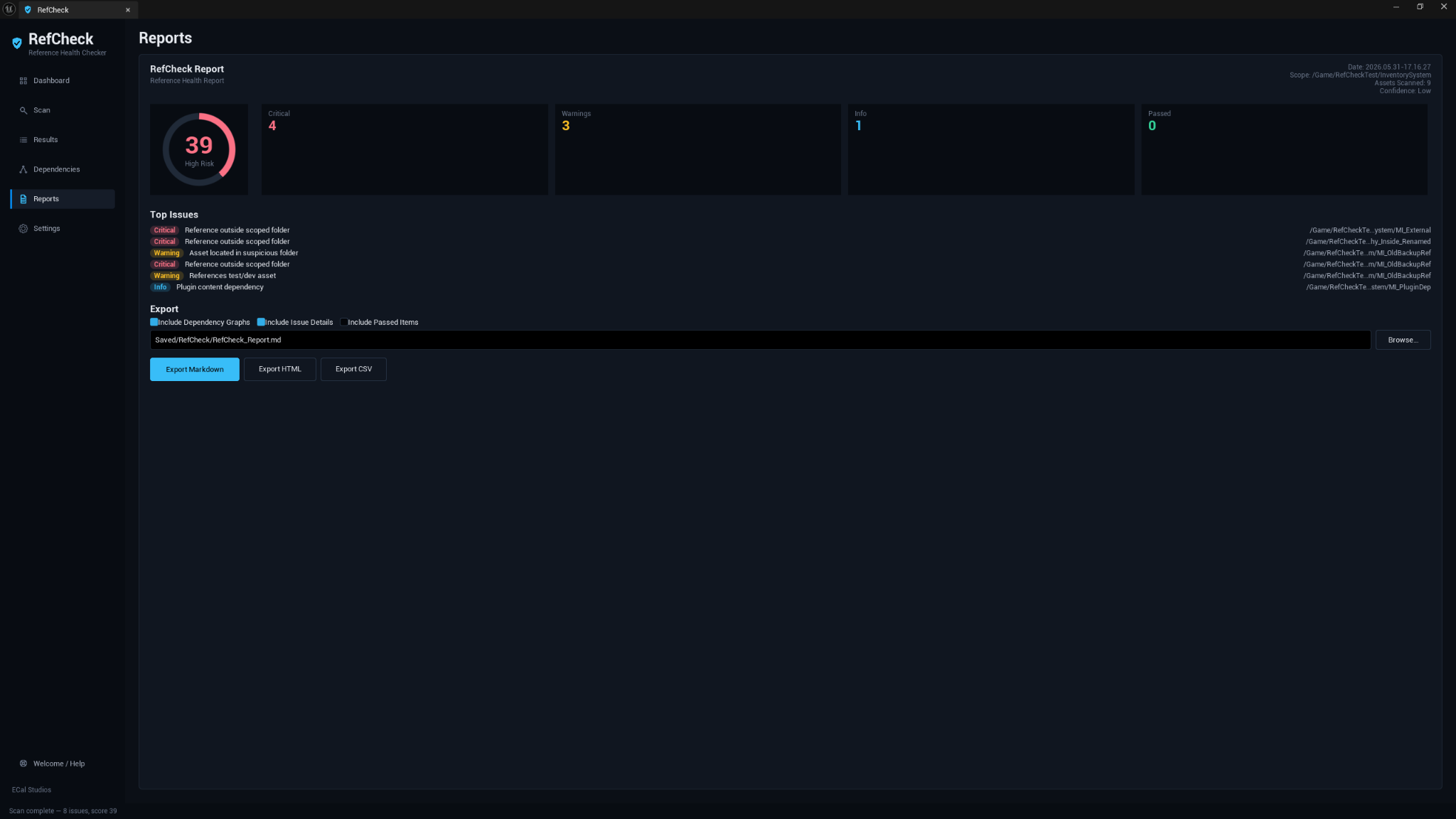
Reports can be exported as Markdown, HTML, or CSV. Markdown and HTML are good for readable cleanup notes. CSV is better when you want to sort, filter, or track issues in a spreadsheet.
Settings
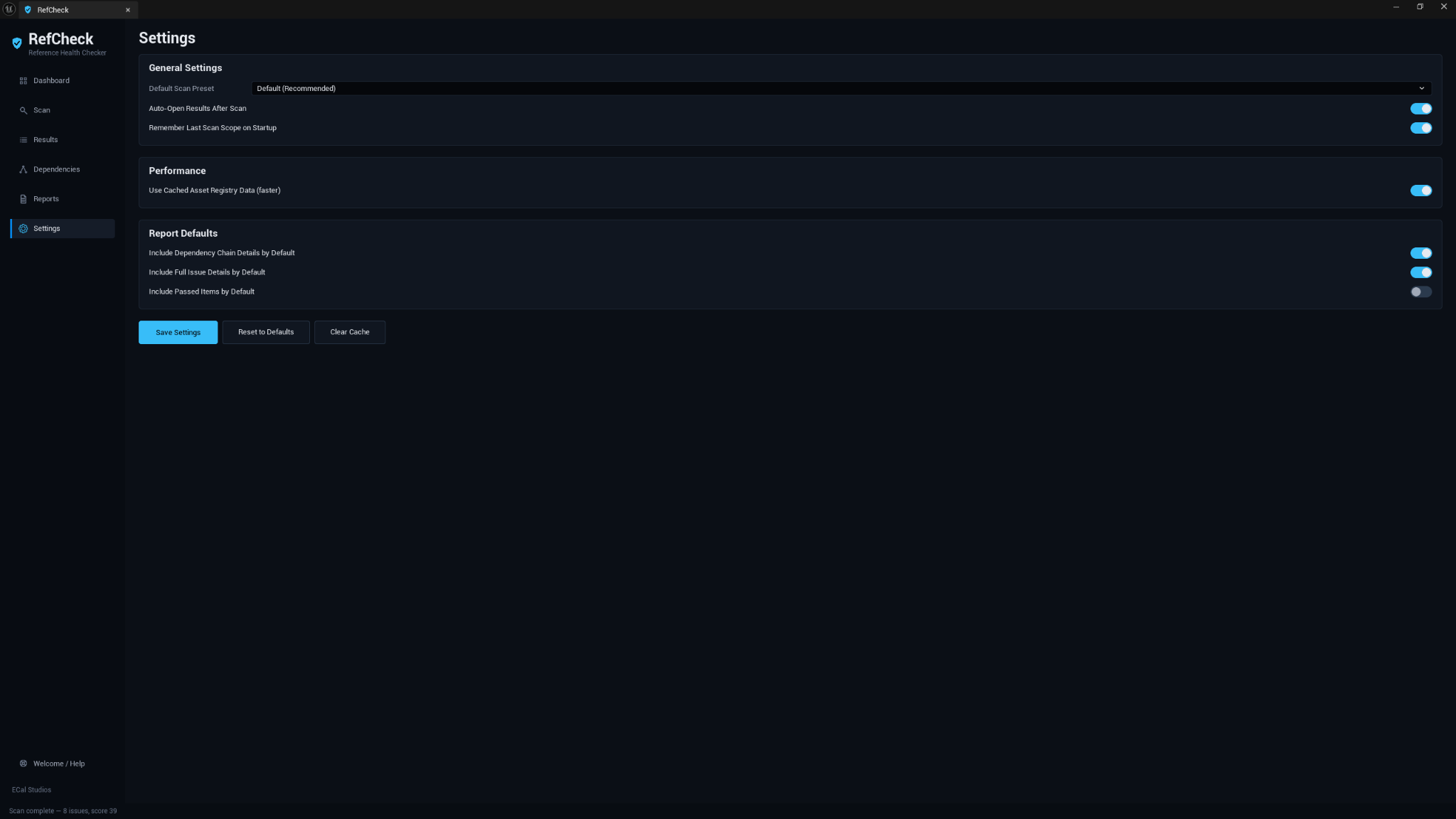
Settings cover default preset behavior, whether results open automatically after scans, whether the last scan scope should be remembered, cached Asset Registry usage, and report export defaults.
Compatibility
| Item | Support |
|---|---|
| Unreal Engine | 5.5, 5.6, 5.7 |
| Platforms | Windows, macOS, Linux |
| Product type | Unreal Engine editor plugin |
| Runtime impact | None. RefCheck is editor-only and does not add gameplay systems. |
| Version | 1.0.0 |
Fab listing
RefCheck is available on Fab: Open RefCheck on Fab.
Safety and privacy
RefCheck is built as a review tool, not an auto-fixer.
- It does not delete, move, rename, reimport, or modify assets.
- It does not upload project data.
- It does not require login, accounts, API keys, or online services.
- It does not add runtime systems to packaged builds.
- It only writes reports you explicitly export and its own editor settings.
Important
RefCheck helps you find common reference-health risks, but it is not a guarantee of Fab approval, packaging success, or complete project correctness. Always review the findings, test the project normally, and use Unreal's Reference Viewer when you need deeper graph inspection.
Known limitations
- RefCheck detects common reference-health risks where visible through Unreal editor data. It does not claim to find every possible reference.
- Dynamic or runtime-only references may require manual inspection.
- Circular dependency detection is bounded for editor responsiveness.
- Redirector-related findings depend on what Unreal exposes through the Asset Registry.
- Version 1.0.0 is read-only and does not automatically fix references.
- The Dependencies page shows readable chains, not a custom interactive graph.
Documentation pages
Support
For help, email [email protected] and include:
- Plugin name: RefCheck
- Plugin version: 1.0.0
- Unreal Engine version
- Operating system
- What you scanned when the issue happened
- Screenshots if the issue is visual
- Any useful Output Log lines containing
LogRefCheck