Keyboard Shortcuts
MkLume supports keyboard shortcuts for common actions so you can work without reaching for the mouse. This page lists all available shortcuts.
General
| Shortcut |
Action |
Ctrl+S |
Save the current page |
Ctrl+O |
Open a project |
Ctrl+N |
Create a new page or project |
Ctrl+W |
Close the current page |
View modes
| Shortcut |
Action |
Ctrl+1 |
Switch to Markdown mode |
Ctrl+2 |
Switch to Visual mode |
Ctrl+3 |
Switch to Preview mode |
Ctrl+4 |
Switch to Split mode |
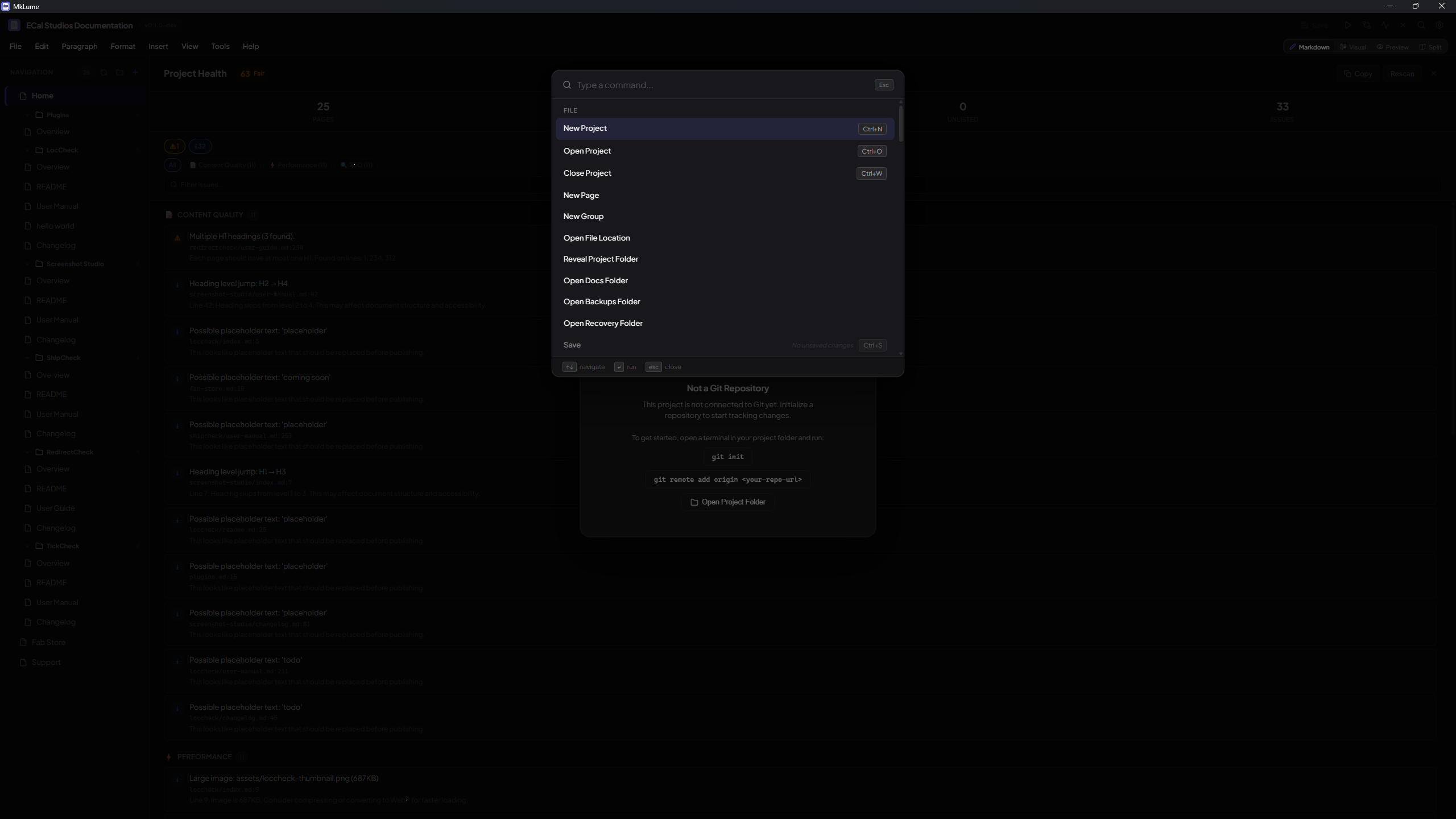
Command palette
| Shortcut |
Action |
Ctrl+K |
Open the command palette |
Ctrl+Shift+P |
Open the command palette (alternate) |
The command palette gives you quick access to most MkLume actions. Start typing to filter commands.
Text formatting
These shortcuts work in the Markdown editor:
| Shortcut |
Action |
Ctrl+B |
Bold |
Ctrl+I |
Italic |
Ctrl+E |
Inline code |
Ctrl+Shift+K |
Code block |
Find and replace
| Shortcut |
Action |
Ctrl+F |
Open find |
Ctrl+H |
Open find and replace |
Editing
| Shortcut |
Action |
Ctrl+Shift+V |
Paste as plain text |
Tab |
Indent the current line or selection |
Shift+Tab |
Unindent the current line or selection |
Navigation
| Shortcut |
Action |
Escape |
Close the current overlay, dialog, or panel |
Tip
The command palette (Ctrl+K) is the fastest way to discover and run actions you don't have a shortcut memorized for. It searches across all available commands.