Plugins
ECal Studios creates practical Unreal Engine editor tools for solo developers, indie teams, and small studios.
The goal is simple: help you save time, avoid common release mistakes, and create more professional results without leaving Unreal Engine.
Available plugins
-
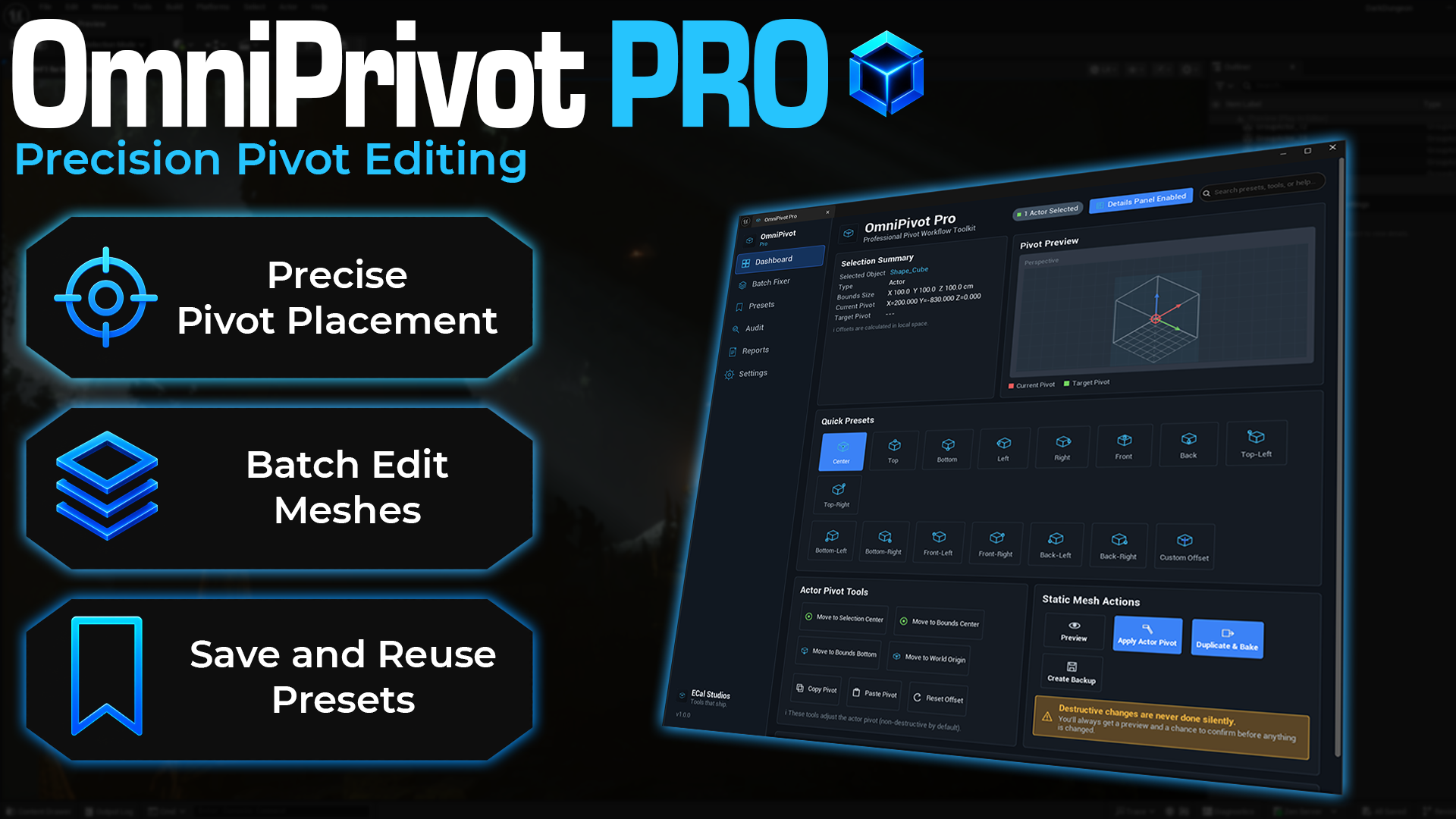
OmniPivot Pro
A professional Unreal Engine pivot workflow toolkit for precise pivot placement, viewport picking, reusable presets, batch mesh fixing, pivot audits, and Details Panel controls.
-
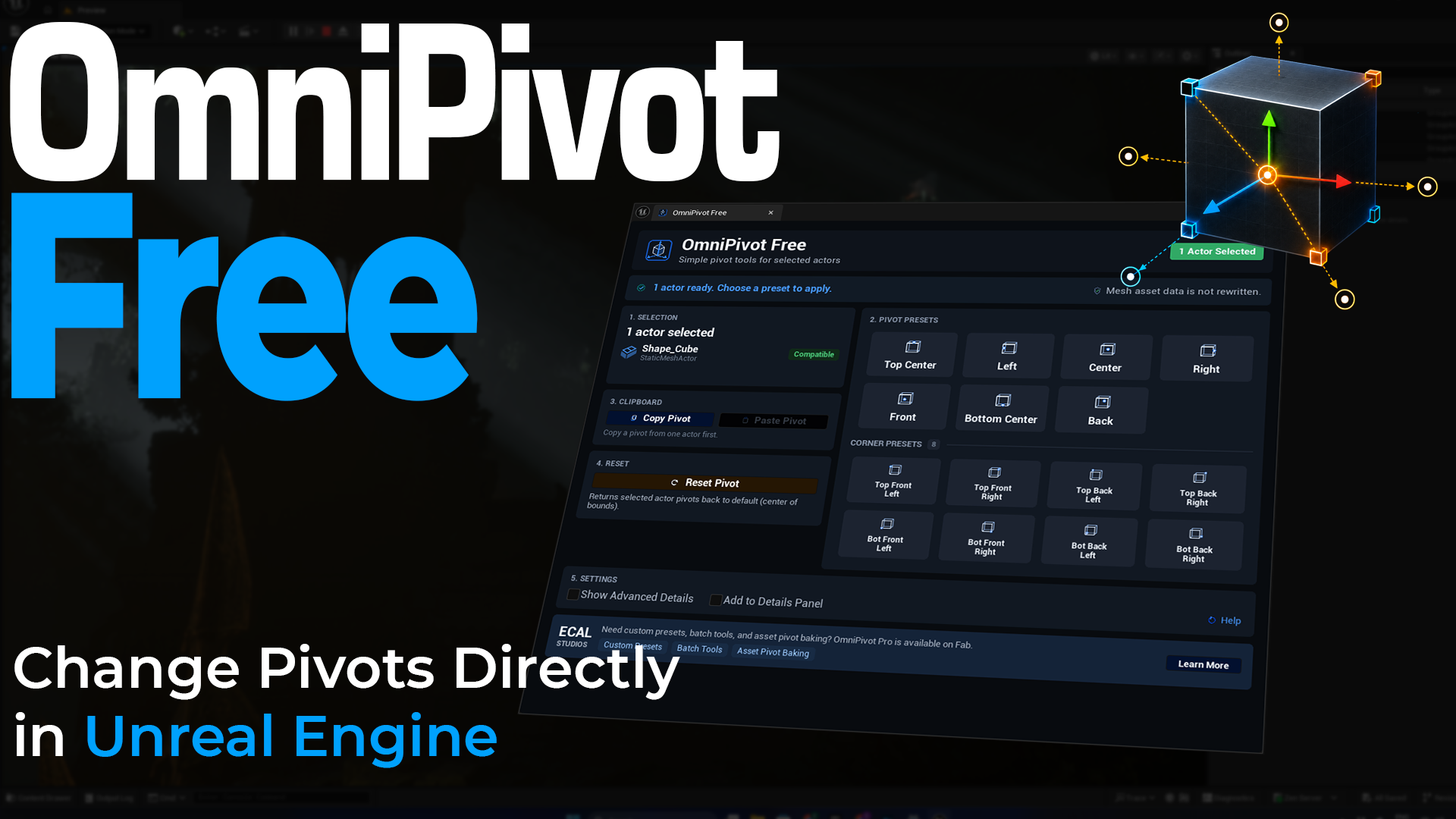
OmniPivot Free
A free Unreal Engine editor tool for changing placed actor pivots with presets, corner positions, copy/paste pivot, reset, and optional Details Panel controls.
-
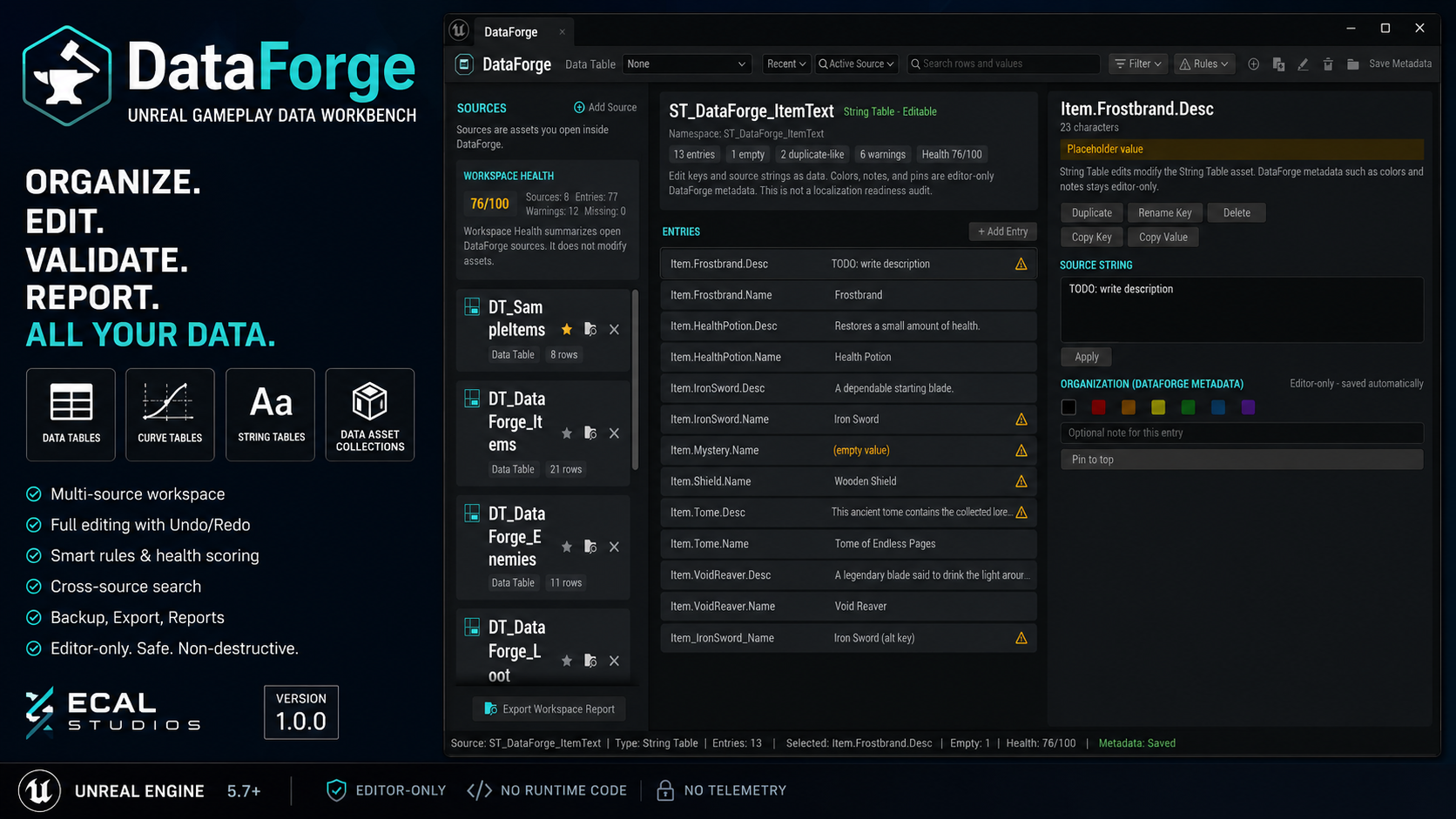
DataForge
A gameplay data workbench for organizing, editing, searching, validating, backing up, and reporting on Data Tables, Curve Tables, String Tables, and Data Asset Collections.
-
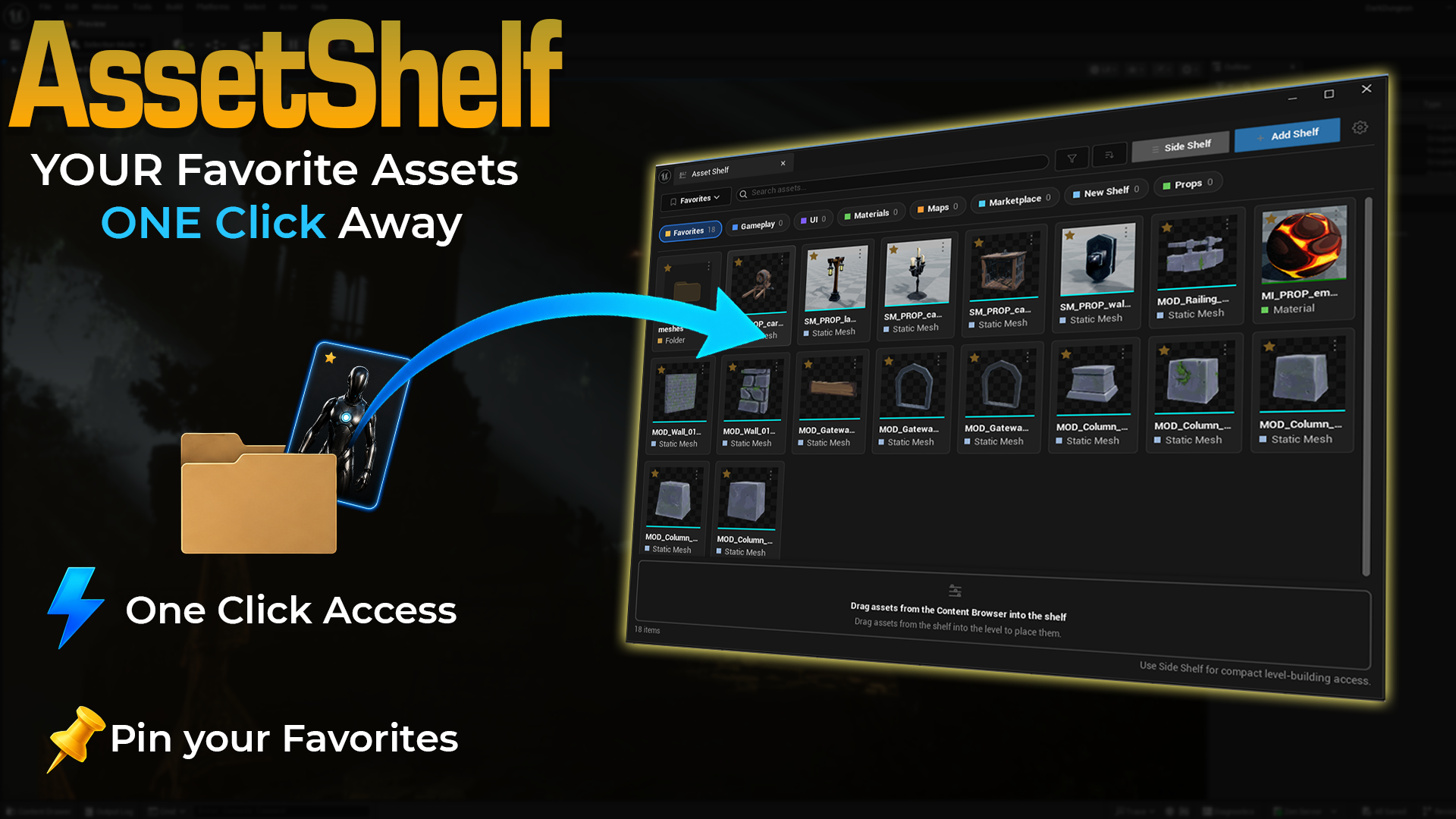
Asset Shelf
A visual dockable shelf for pinning favorite Unreal assets, folders, Blueprints, materials, maps, widgets, meshes, and level-building items for fast access.
-
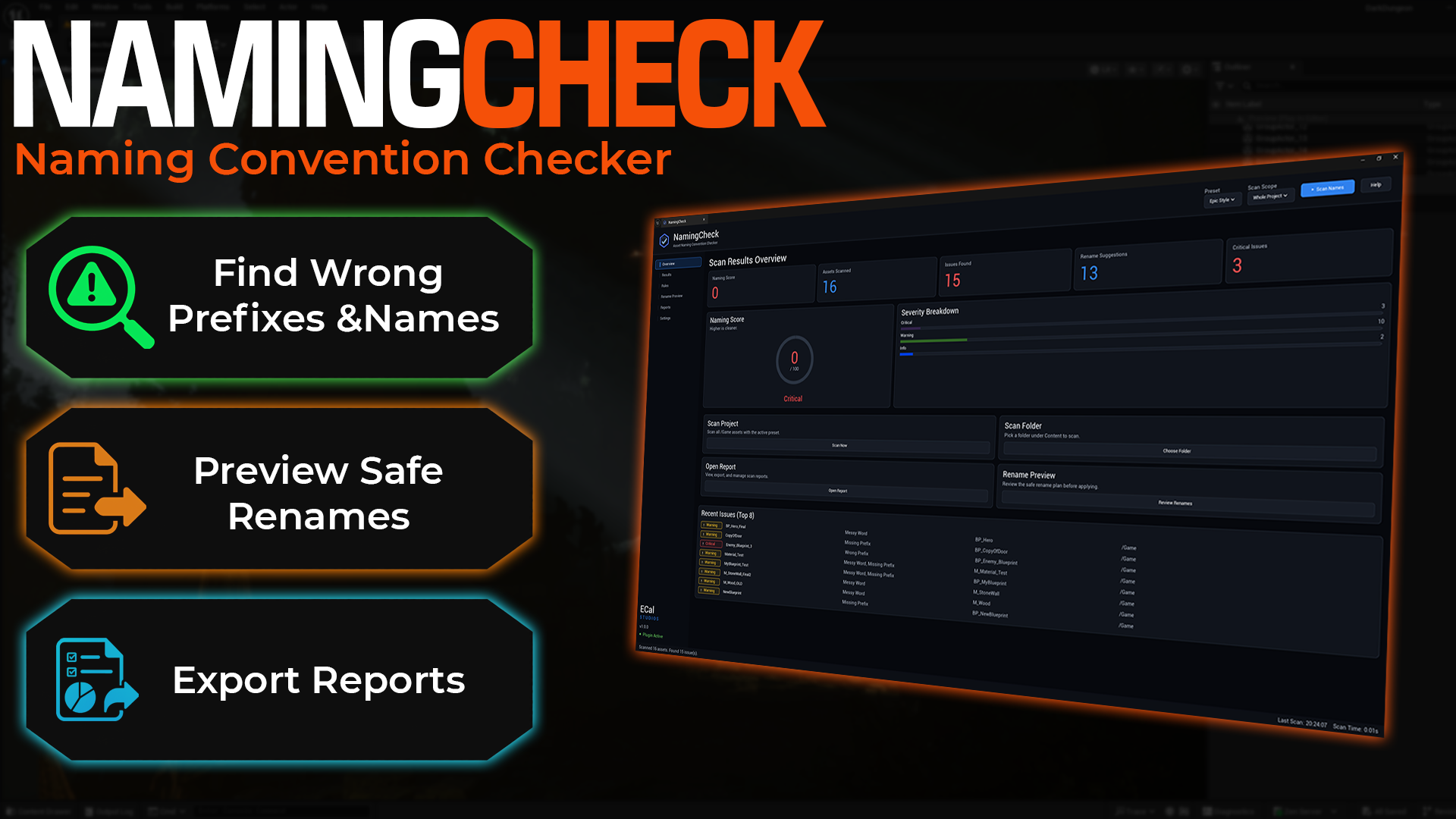
NamingCheck
An asset naming convention checker for finding wrong prefixes, messy names, invalid characters, rename suggestions, custom rule profiles, and exportable naming reports.
-
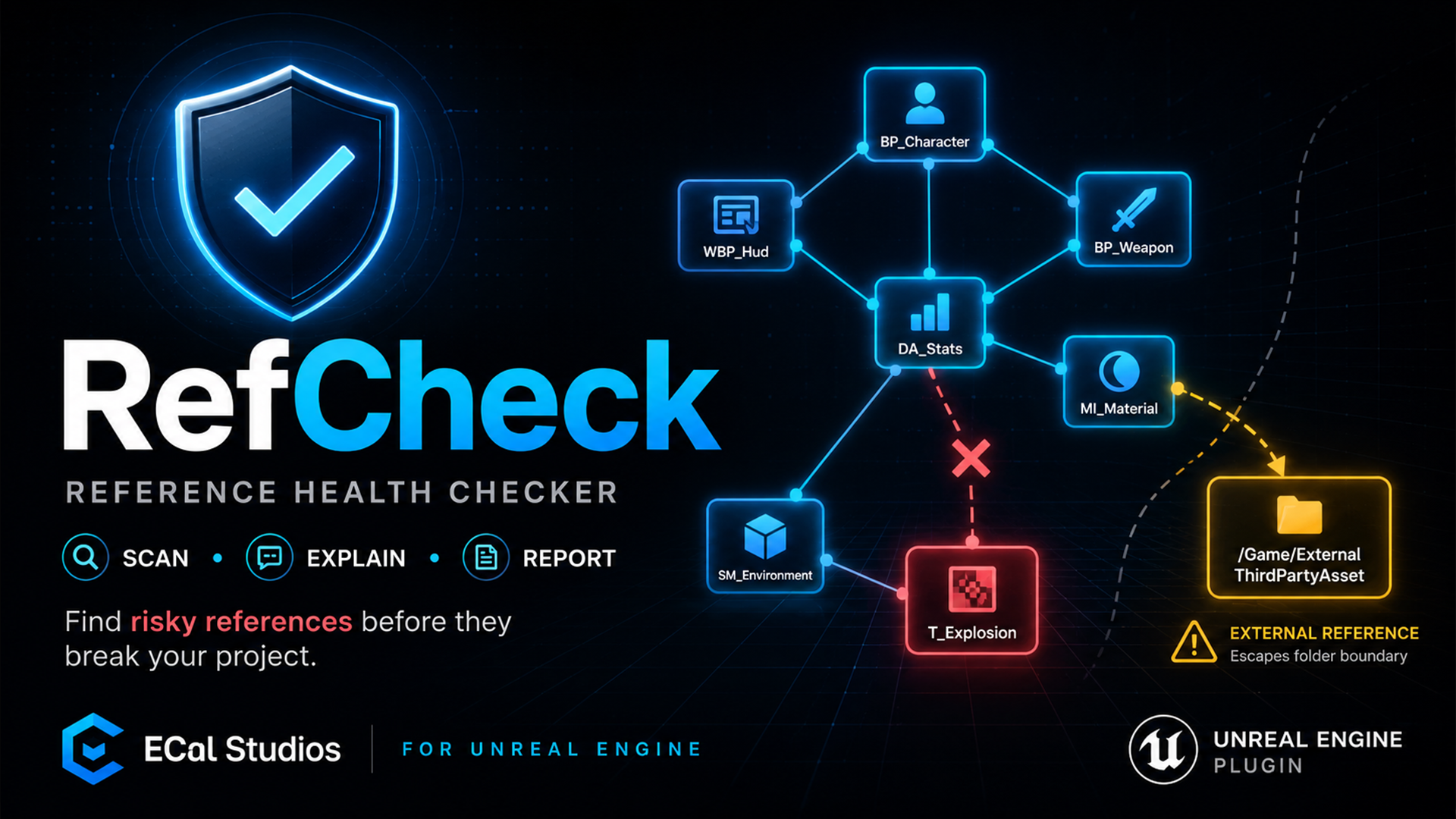
RefCheck
A reference health checker for finding risky Unreal asset dependencies, external references, missing or soft-missing references, circular chains, plugin dependencies, and exportable reports.
-
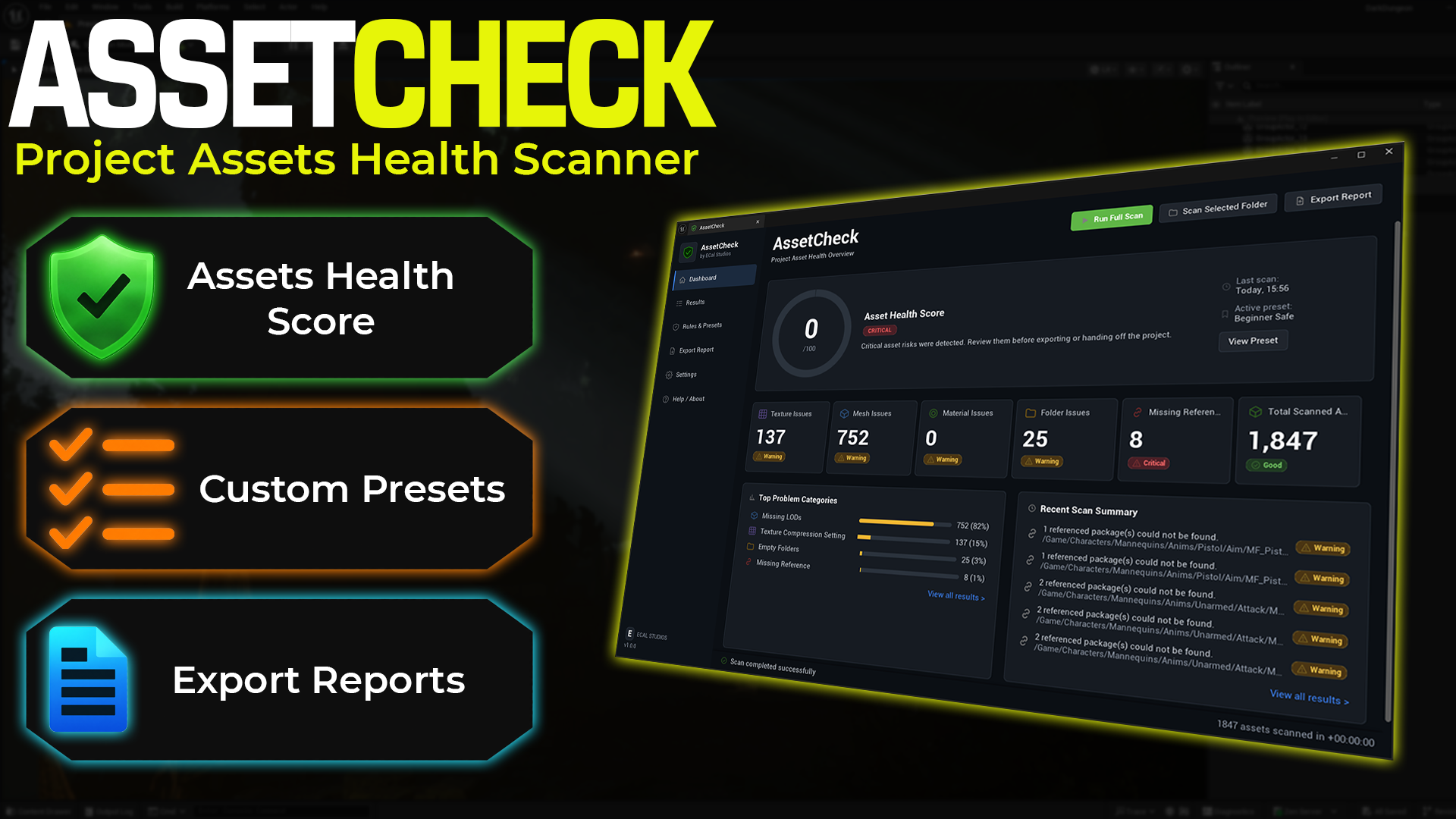
AssetCheck
A project asset health scanner for textures, static meshes, folders, missing references, presets, scoring, and exportable cleanup reports.
-
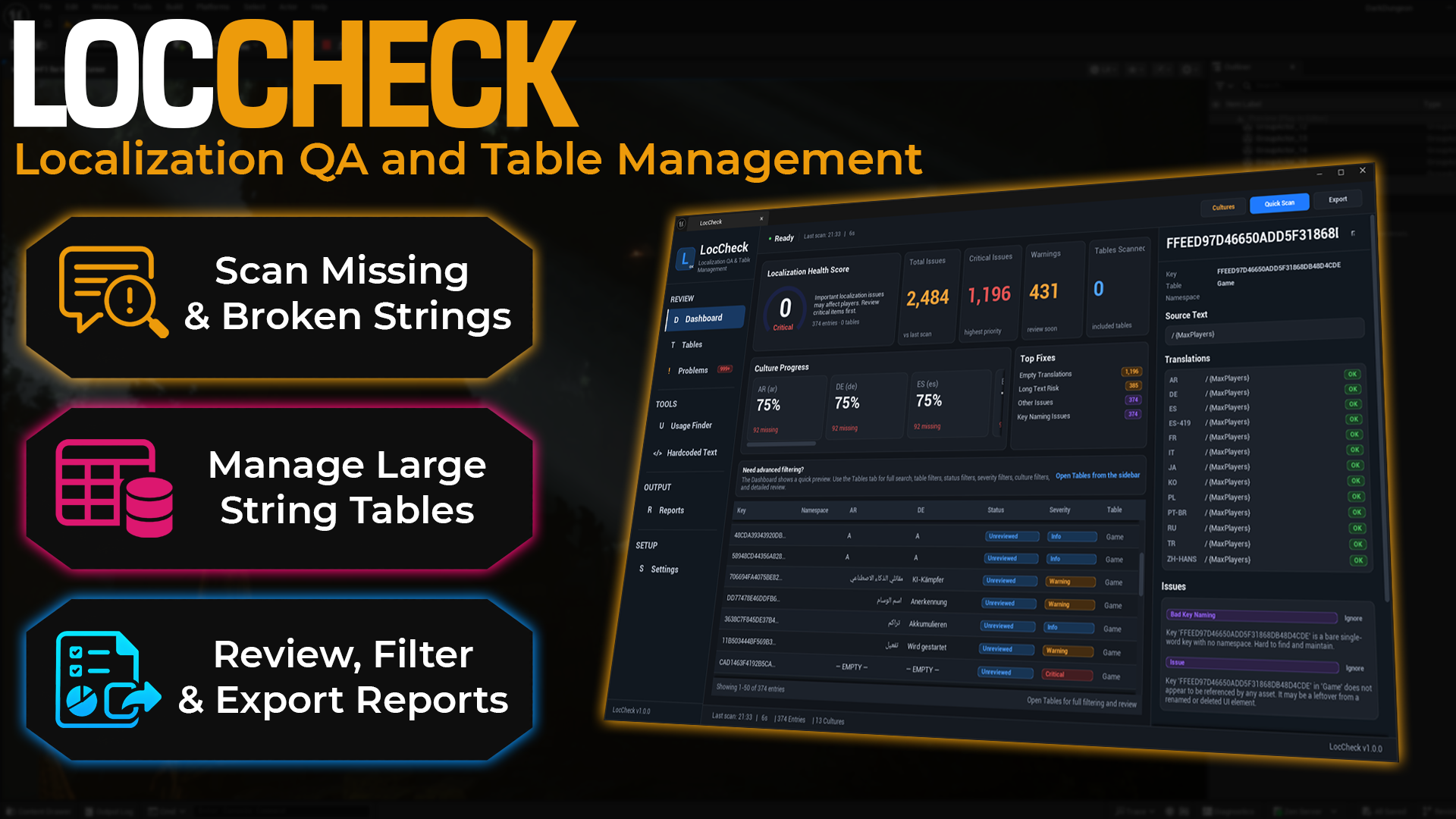
LocCheck
A localization QA and table management tool for missing translations, broken placeholders, hardcoded UI text, data-driven FText review, culture progress, and exportable reports.
-
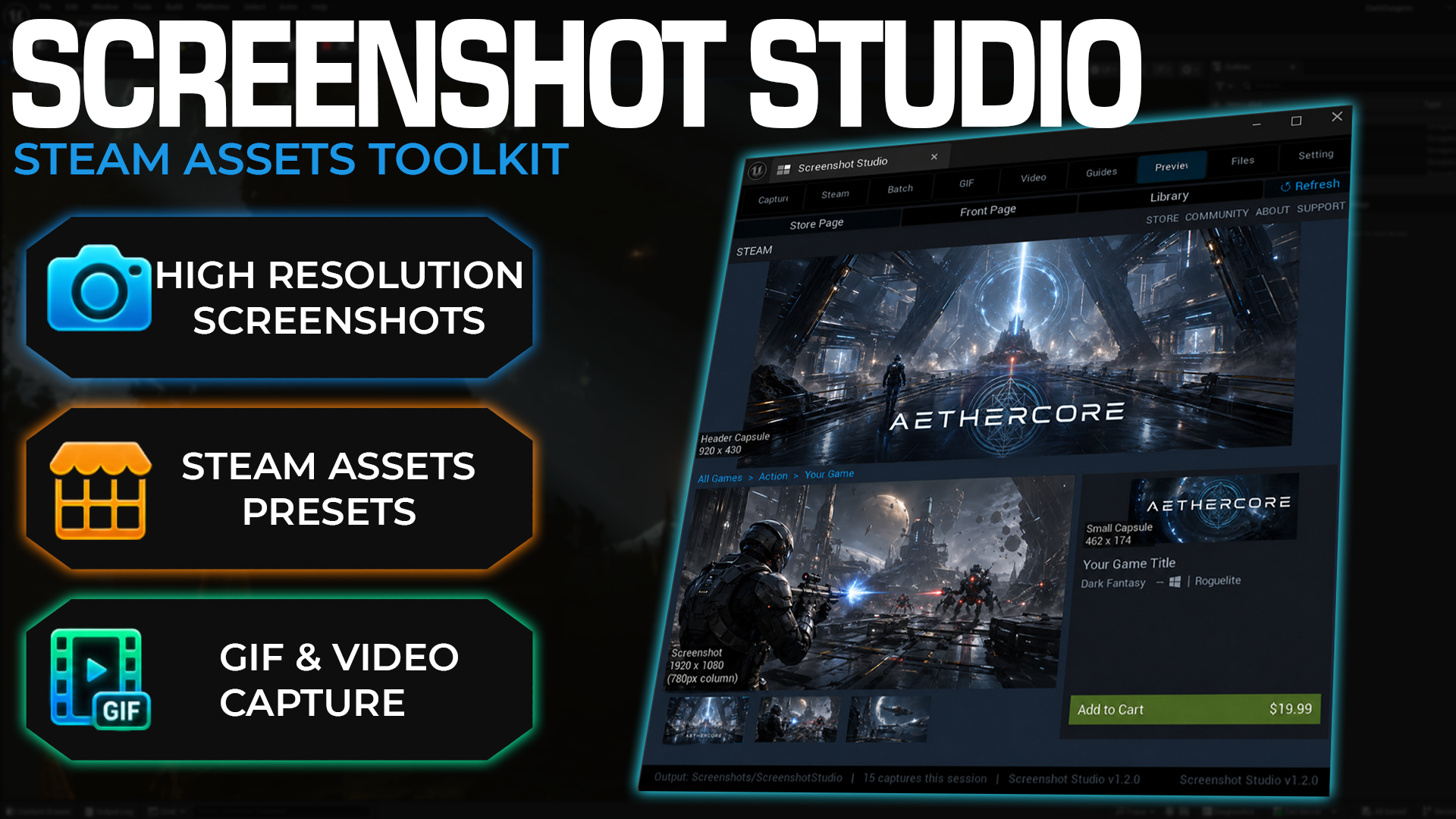
Screenshot Studio
A capture and marketing asset toolkit for screenshots, Steam assets, GIFs, MP4/WebM clips, and Steam-style previews.
-
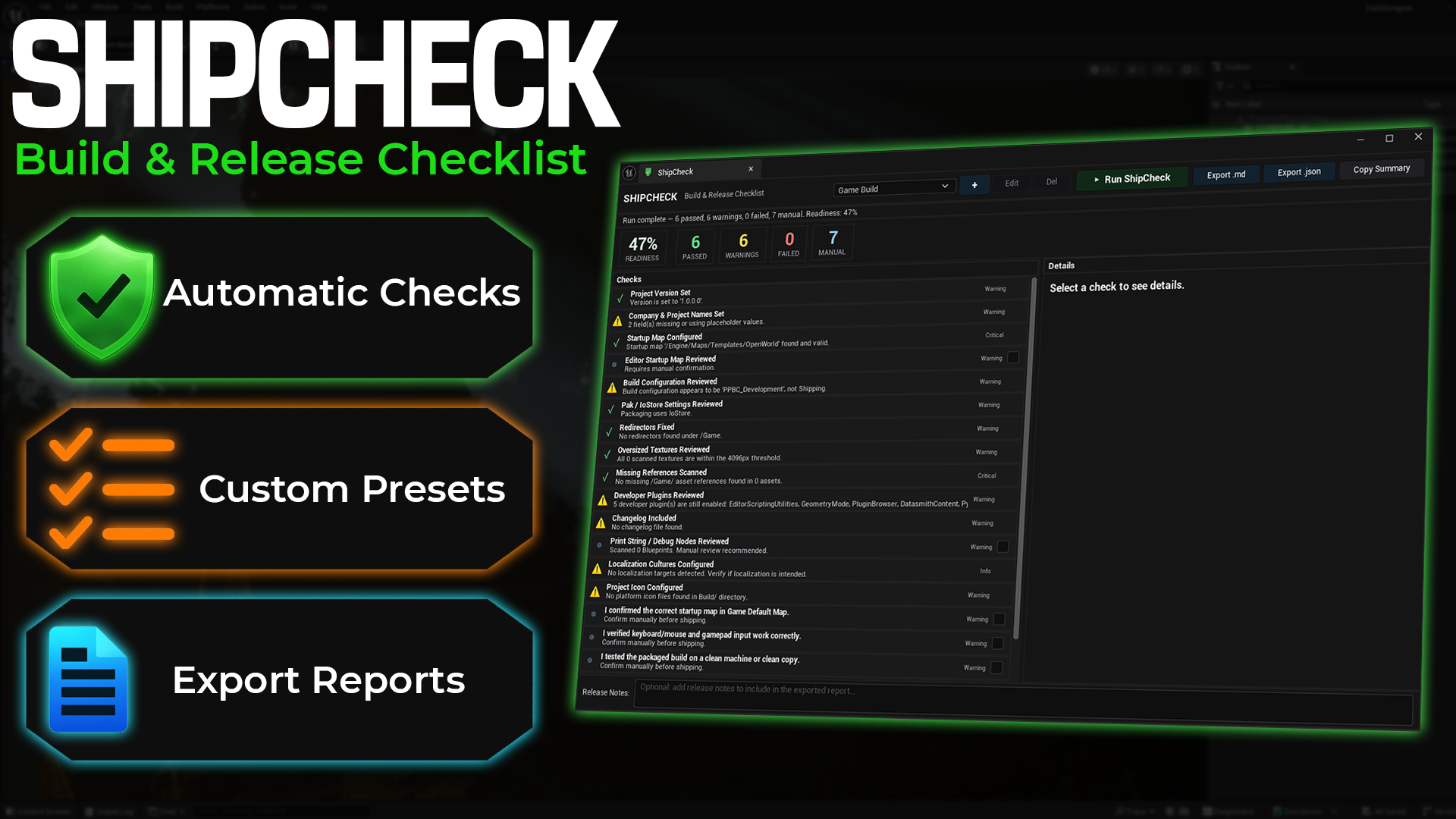
ShipCheck
A structured pre-build and pre-release checklist for Unreal Engine projects.
-
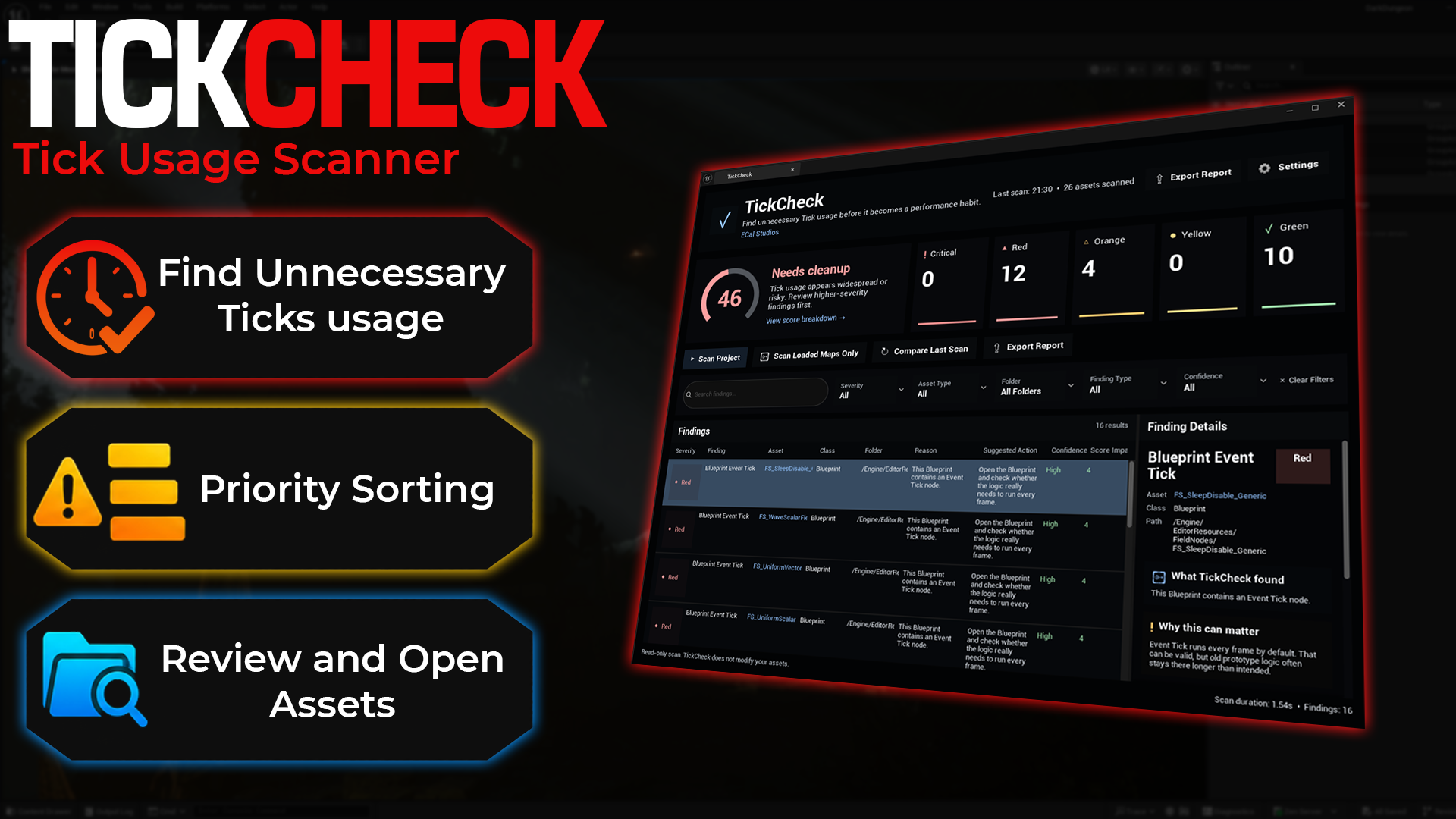
TickCheck
A focused scanner for finding Tick usage that may be worth reviewing before it becomes a performance habit.
-
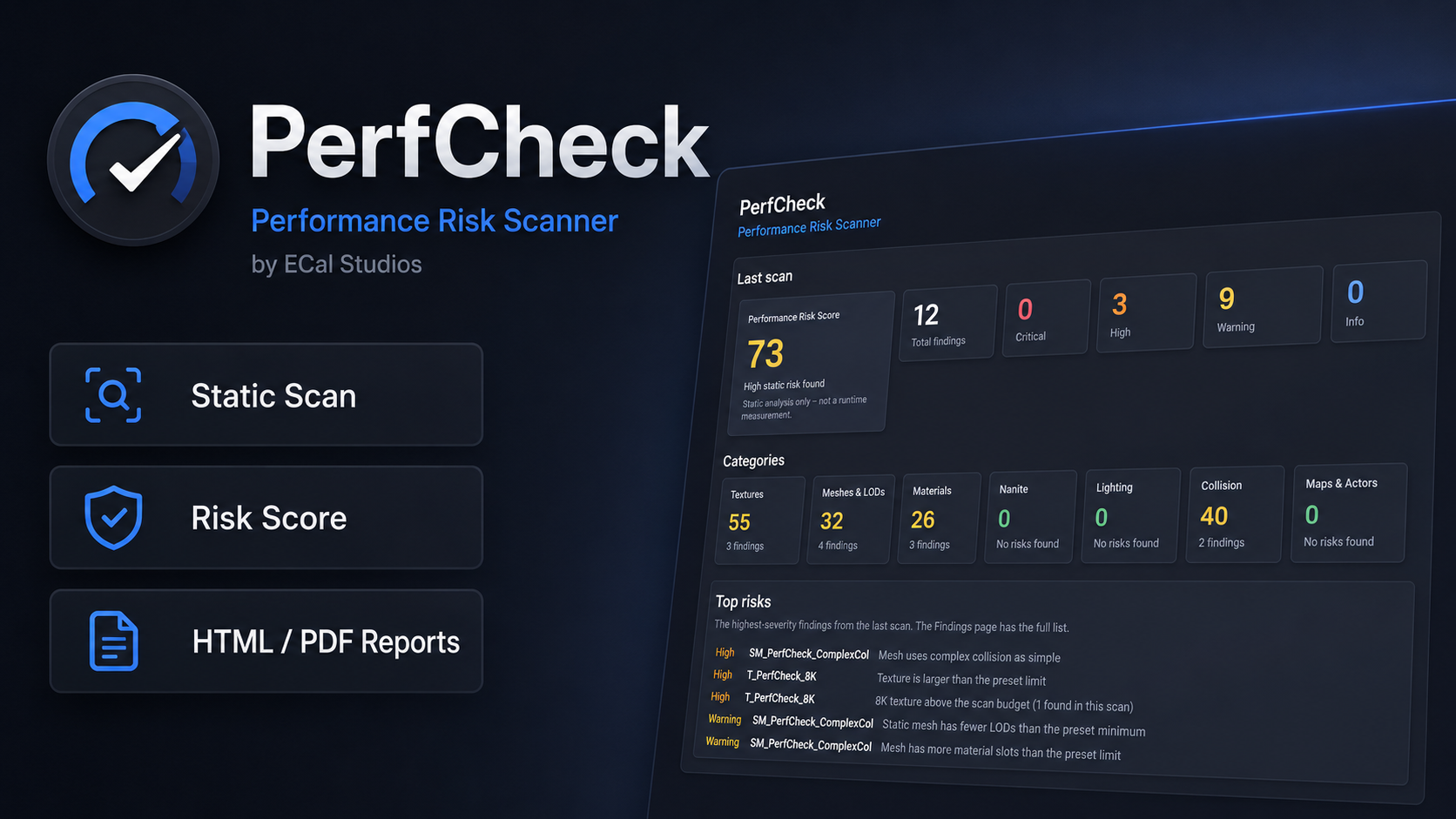
PerfCheck
An editor-only static performance risk scanner with project and selection scans, configurable rules, risk scores, scan history, comparisons, and Markdown/CSV/HTML/PDF reports.
-
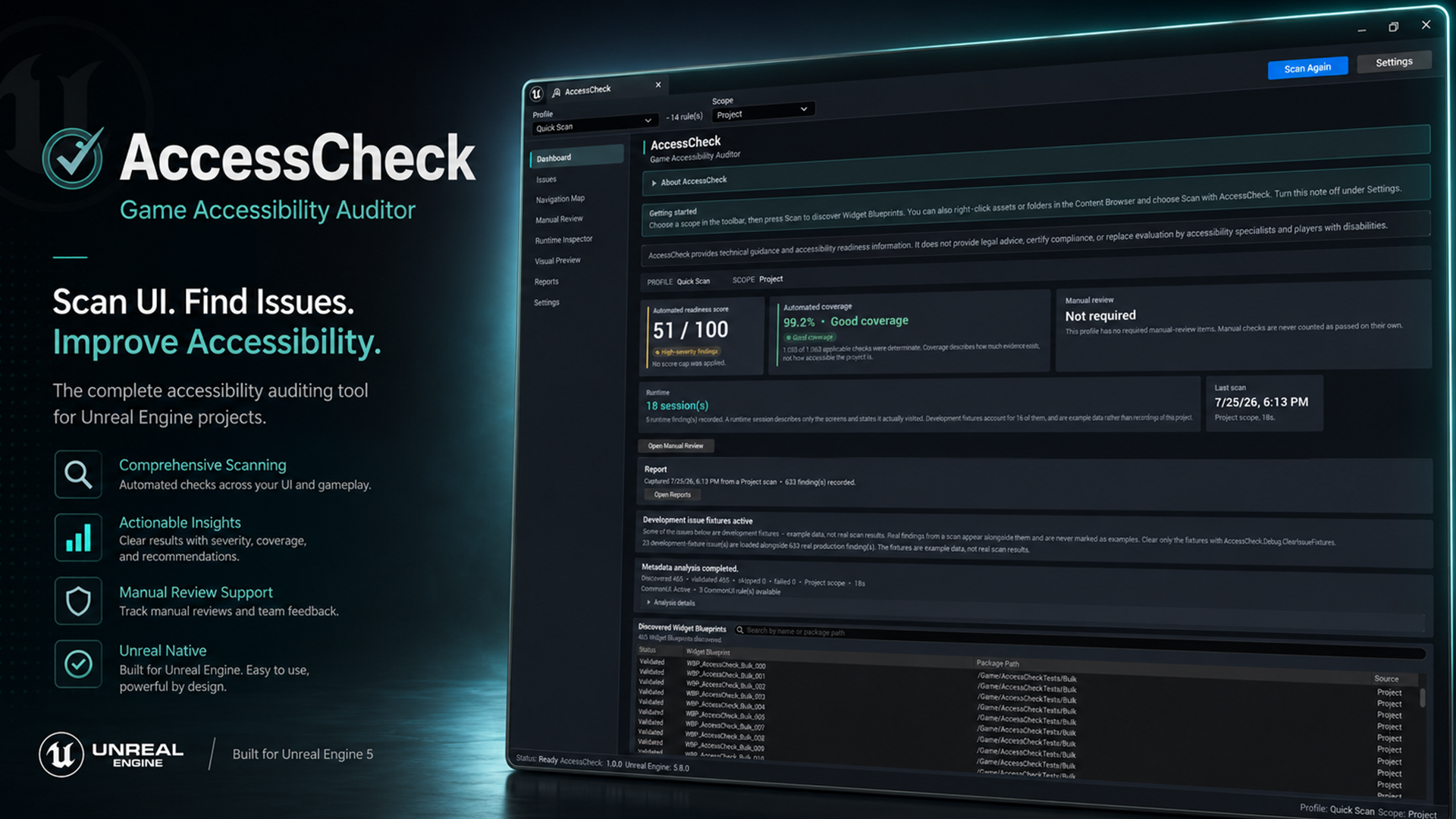
AccessCheck
An editor-only accessibility auditor for Widget Blueprints, focus navigation, runtime evidence, manual review, baselines, reports, and CI release gates.
-
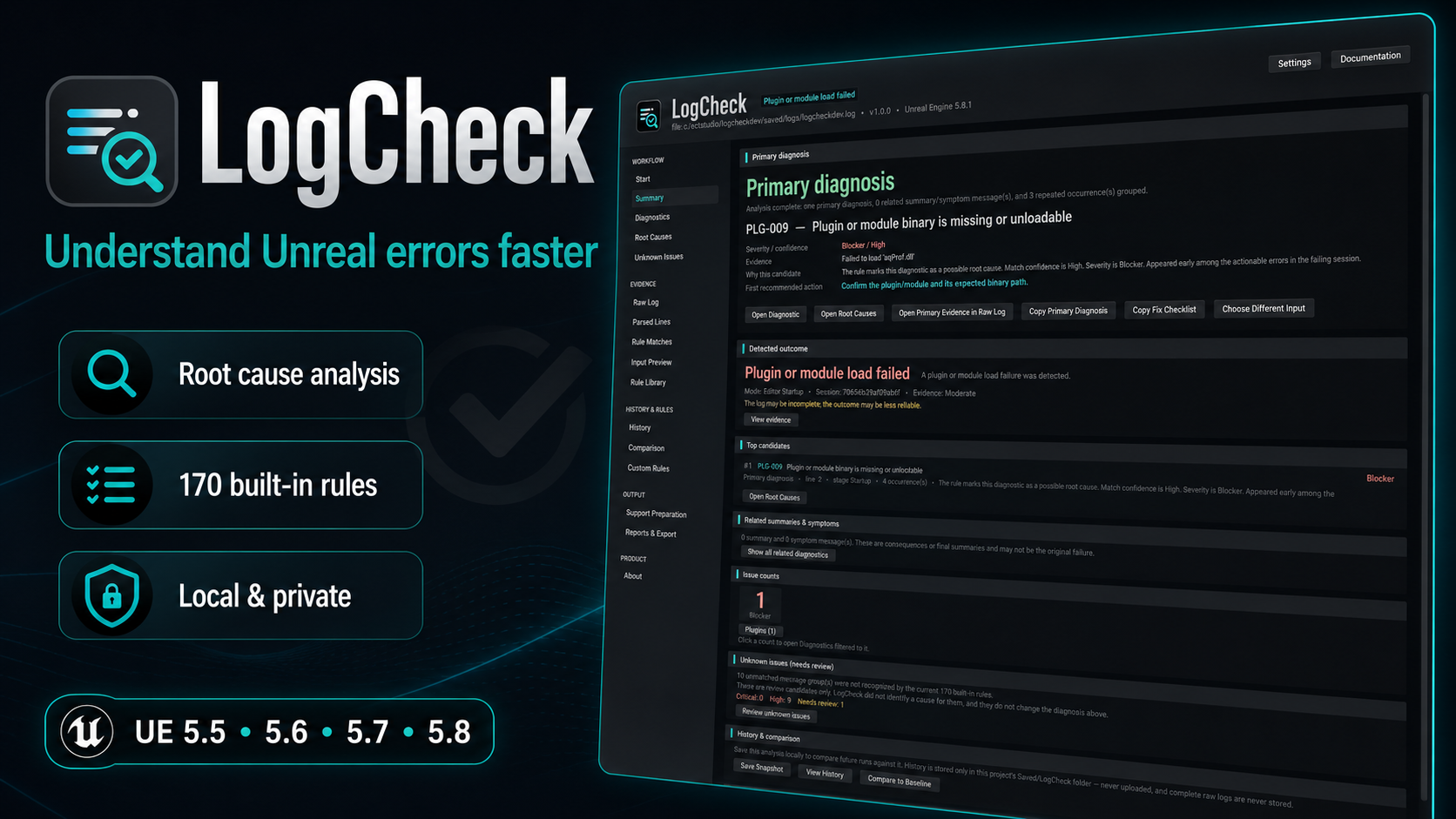
LogCheck
A local Unreal log diagnostic workbench with 170 built-in rules, explainable root-cause ranking, Unknown Issues review, linked evidence, comparisons, custom rules, and privacy-aware reports.
-
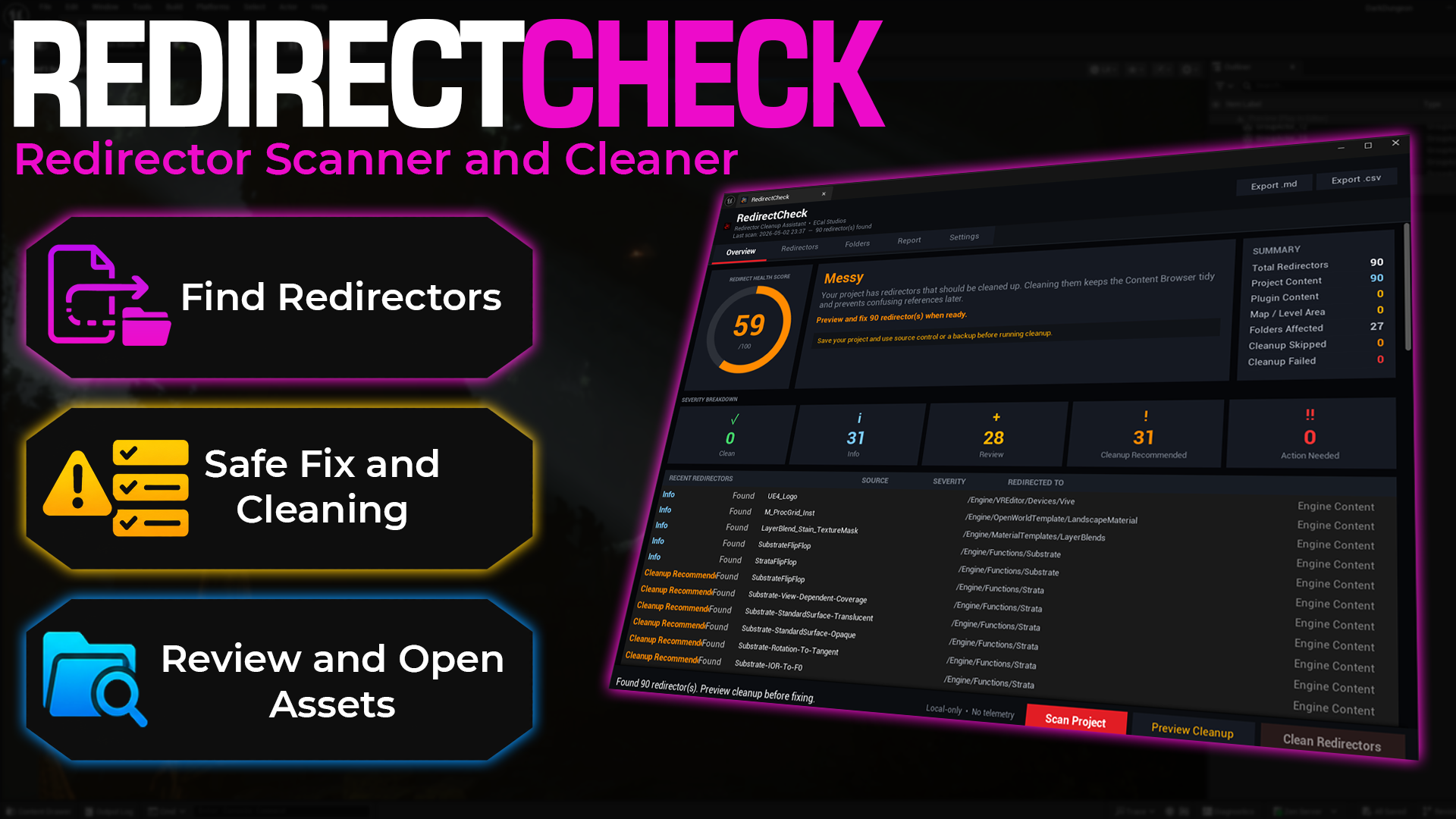
RedirectCheck
Find, review, and clean Unreal Engine redirectors before packaging, sharing, migration, or Fab submission.
Quick comparison
| Plugin | Main purpose | Best for |
|---|---|---|
| Screenshot Studio | Screenshots, Steam assets, GIFs, videos, and preview layouts | Marketing and store visuals |
| ShipCheck | Project readiness checks before packaging or publishing | Release preparation |
| RedirectCheck | Redirector scanning and cleanup workflow | Project cleanup before packaging, sharing, or Fab submission |
| TickCheck | Tick usage review and performance hygiene | Cleanup and optimization review |
| PerfCheck | Static performance-risk scanning, scores, configurable rules, history, comparisons, and reports | Project-wide performance review, optimization planning, QA handoff, and marketplace preparation |
| AccessCheck | UI accessibility auditing, focus and navigation review, runtime evidence, manual checks, reports, baselines, and CI gates | Accessibility readiness, UI QA, production tracking, and release preparation |
| LogCheck | Output, build, cook, packaging, plugin, and crash-log diagnosis with explainable root-cause ranking and linked evidence | Debugging Unreal failures, reducing log noise, support preparation, and before/after verification |
| OmniPivot Pro | Full pivot placement, presets, viewport picking, batch mesh fixing, and pivot audits | Environment art, modular kits, marketplace packs, and production pivot cleanup |
| OmniPivot Free | Quick placed-actor pivot adjustments | Level editing, modular placement, prop alignment, and beginner-friendly pivot fixes |
| Asset Shelf | Favorite asset and folder shortcuts in dockable visual shelves | Level building, project navigation, and repeated asset access |
| DataForge | Gameplay data editing, organization, workspace search, health checks, backups, and reports | Data Tables, Curve Tables, String Tables, Data Asset Collections, balance data, item data, and design-data review |
| NamingCheck | Asset naming convention scanning, prefix review, safe rename preview, and reports | Content cleanup, naming consistency, team handoff, and Fab preparation |
| AssetCheck | Project asset health scanning, presets, scoring, and reports | Packaging preparation, migration checks, handoff review, and Fab preparation |
| RefCheck | Reference health scanning, dependency chains, external references, missing references, and reports | Packaging preparation, Blueprint system export, migration checks, handoff review, and Fab preparation |
| LocCheck | Localization QA, translation review, and string table management | Localization cleanup before testing, launch, or handoff |
Which plugin should I use?
Choosing the right tool
Use Screenshot Studio when you need better images or media for your store page, documentation, Fab listing, or social posts. Use ShipCheck when you are preparing a project for release. Use OmniPivot Pro when you need a complete pivot workflow with presets, viewport picking, batch fixing, and audits. Use OmniPivot Free when you want a faster way to fix placed actor pivots while building levels. Use TickCheck when you want to make Tick usage visible and easier to review. Use PerfCheck when you want a broader static scan of textures, meshes, materials, Nanite, lighting, collision, and maps, with before/after comparisons and exportable reports. Use AccessCheck when you want to audit Widget Blueprint accessibility, inspect focus and navigation, record runtime evidence, organize manual review, or add an accessibility-readiness gate to CI. Use LogCheck when a large Unreal output, build, cook, packaging, plugin, or crash log is hiding the first actionable failure and you need an explainable diagnosis backed by the original lines. Use Asset Shelf when you want favorite project assets, folders, maps, and level-building items available from a dockable visual shelf. Use DataForge when you want one workbench for gameplay data such as Data Tables, Curve Tables, String Tables, and Data Asset Collections. Use NamingCheck when you want to find wrong prefixes, messy names, invalid characters, and safe rename suggestions. Use AssetCheck when you want to review textures, meshes, folders, missing references, and asset-health risks before packaging, migration, handoff, or Fab preparation. Use RefCheck when you need to inspect dependency chains, external references, plugin dependencies, and risky references before packaging, migration, or sharing a Blueprint system. Use RedirectCheck to clean and fix Redirectors in your project. Use LocCheck when you need to audit translations, string tables, hardcoded UI text, and localization reports.
Support
For help with any ECal Studios plugin, email [email protected].