OmniPivot Pro
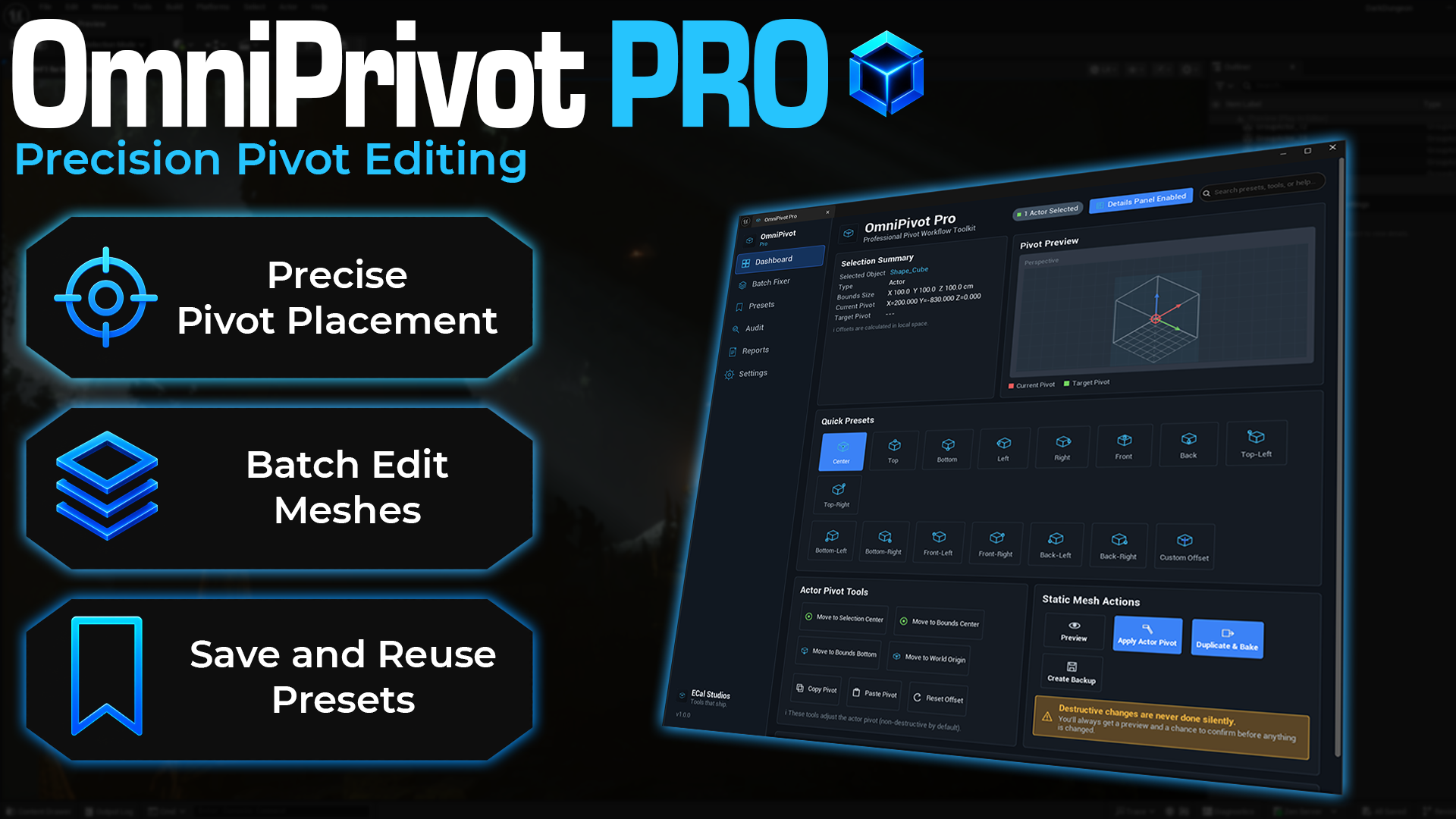
OmniPivot Pro is a professional Unreal Engine editor plugin for fixing, previewing, saving, auditing, and batch-editing pivot points without leaving the editor.
It is built for the pivot problems that show up all the time with imported props, modular kits, doors, walls, weapons, marketplace assets, kitbash packs, and environment pieces. When the mesh looks fine but the pivot is in the wrong place for snapping, rotating, scaling, animation setup, or level building, OmniPivot Pro gives you a practical workflow to fix it.
OmniPivot Pro combines quick actor pivots, visual viewport picking, Details Panel controls, reusable presets, batch mesh operations, pivot audits, and safer duplicate-first workflows for permanent mesh changes.
Current release status
OmniPivot Pro documentation is prepared for version 1.0.0. The changelog remains at 1.0.0 because the plugin has not launched yet. Add the Fab link after the listing is live.
What it helps with
- Place actor pivots at useful positions like Center, Bottom, Top, Left, Right, Front, and Back.
- Snap pivots to face centers, edge middles, or corners using preset buttons or viewport hotkeys.
- Preview pivot changes before making permanent mesh changes.
- Duplicate and bake Static Mesh assets while leaving the original asset untouched.
- Create reusable pivot presets for doors, props, modular pieces, weapons, marketplace packs, and other common cases.
- Scan folders for pivot consistency issues and export reports for review.
- Use compact pivot controls directly from the Unreal Details Panel.
Key features
-
Precise pivot placement
Move pivots to clean bounds-based positions with face center, edge middle, and corner presets.
-
Viewport picking
Press a hotkey, hover over the visual snap indicator in the viewport, and click to set the pivot.
-
Batch Fixer
Apply pivot rules to multiple Static Mesh assets with preview, duplicate-first safety, backups, and exportable summaries.
-
Reusable presets
Use built-in presets for common asset types or create your own project-specific pivot presets.
-
Pivot Audit
Scan assets for inconsistent pivots, door hinge issues, modular set inconsistencies, and other pivot risks.
-
Details Panel controls
Enable compact pivot buttons inside the Unreal Details Panel so you can work without keeping the full tool open.
Main dashboard
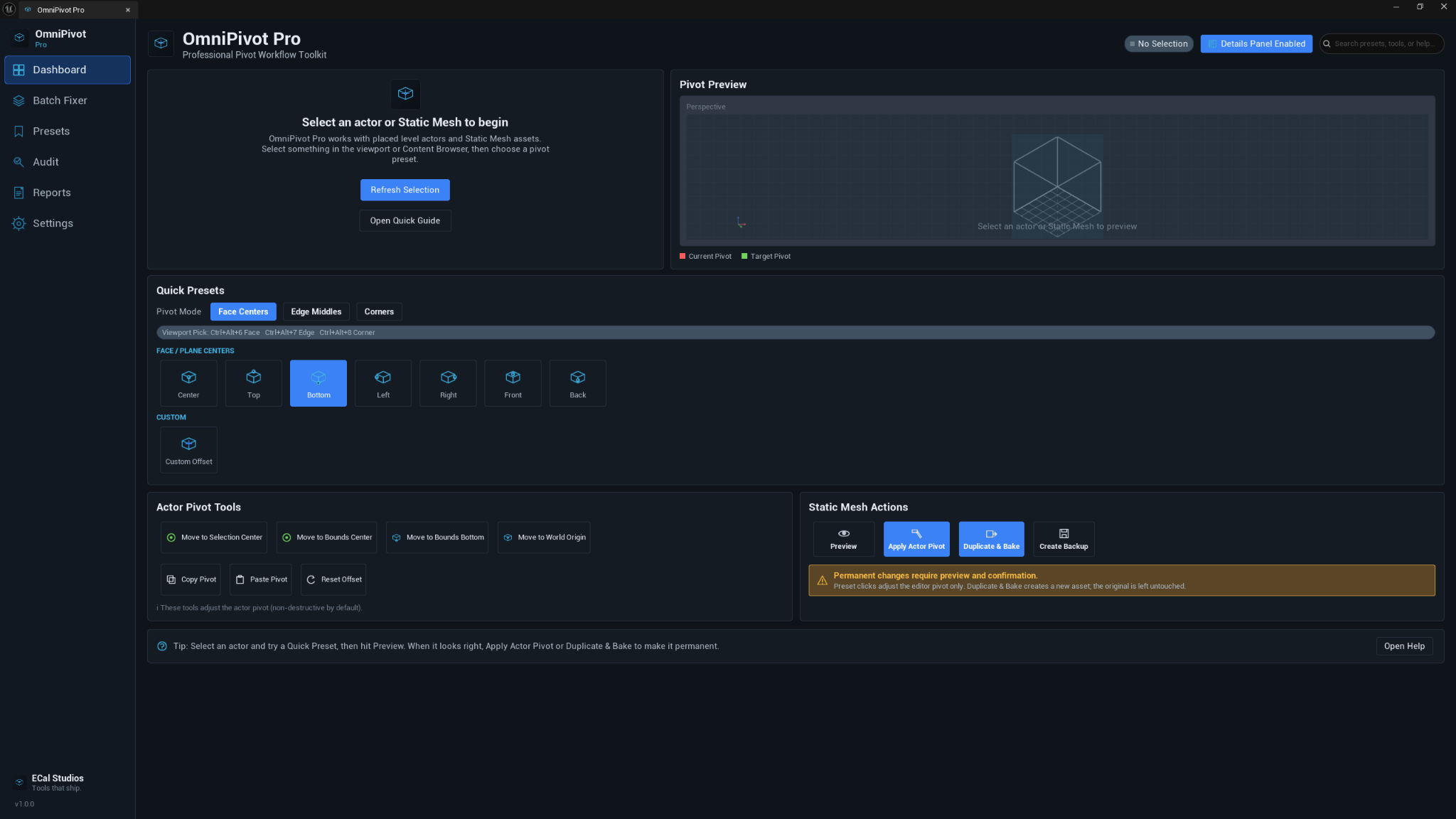
The dashboard is the main workspace. It shows the current selection, pivot preview, quick presets, actor pivot tools, and Static Mesh actions in one place.
Use it when you want to select an actor, preview the target pivot, apply a temporary actor pivot, or duplicate and bake a mesh pivot safely.
Viewport pivot picking
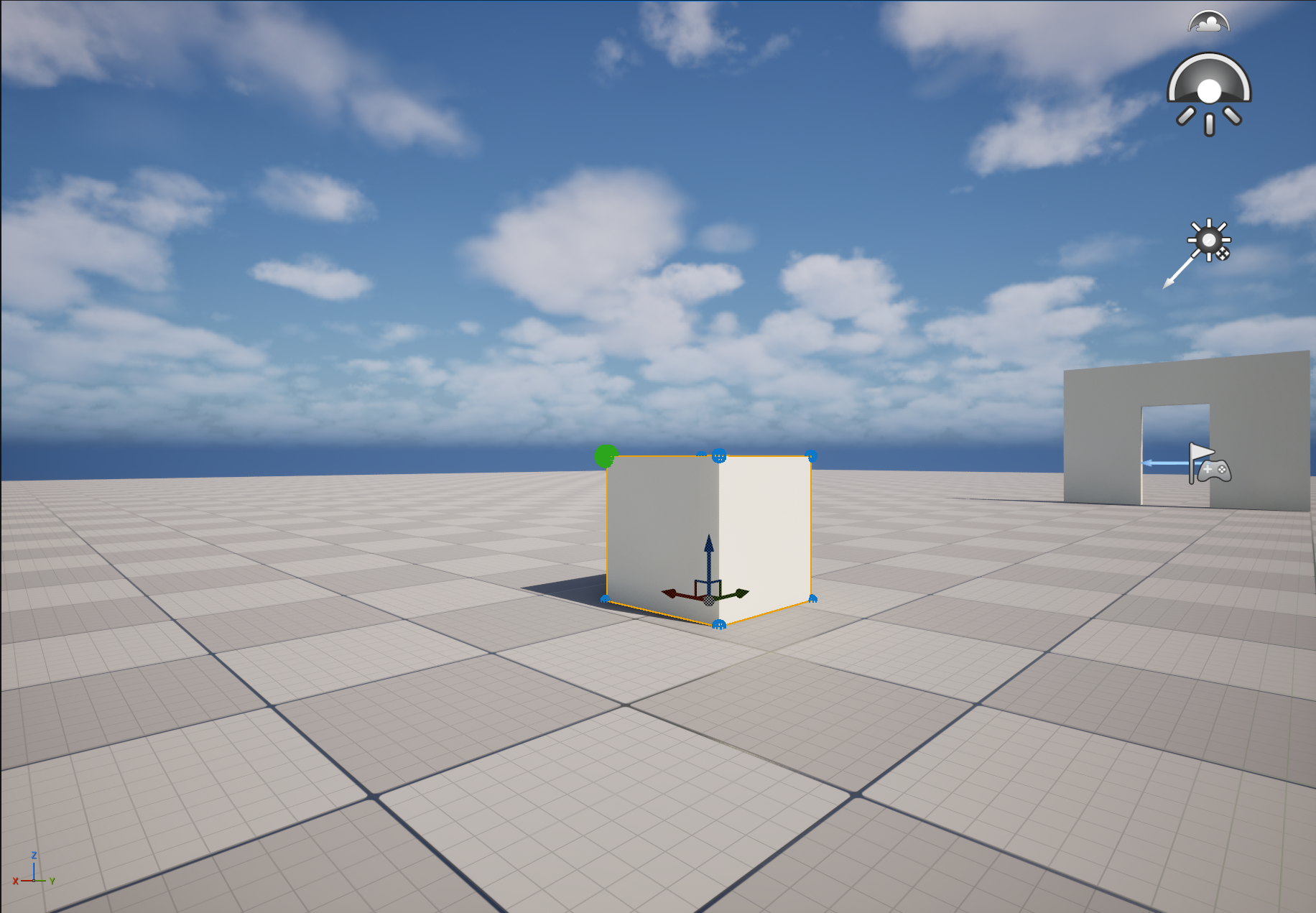
Viewport picking lets you choose a snap point directly on the selected actor. This is useful when you want to see the corner, edge, or face position in context instead of choosing it only from a button grid.
Default hotkeys:
| Hotkey | Picking mode |
|---|---|
| Ctrl + Alt + 6 | Face centers |
| Ctrl + Alt + 7 | Edge middles |
| Ctrl + Alt + 8 | Corners |
The hotkeys can be changed in Edit → Editor Preferences → Keyboard Shortcuts by searching for OmniPivot.
Batch Fixer
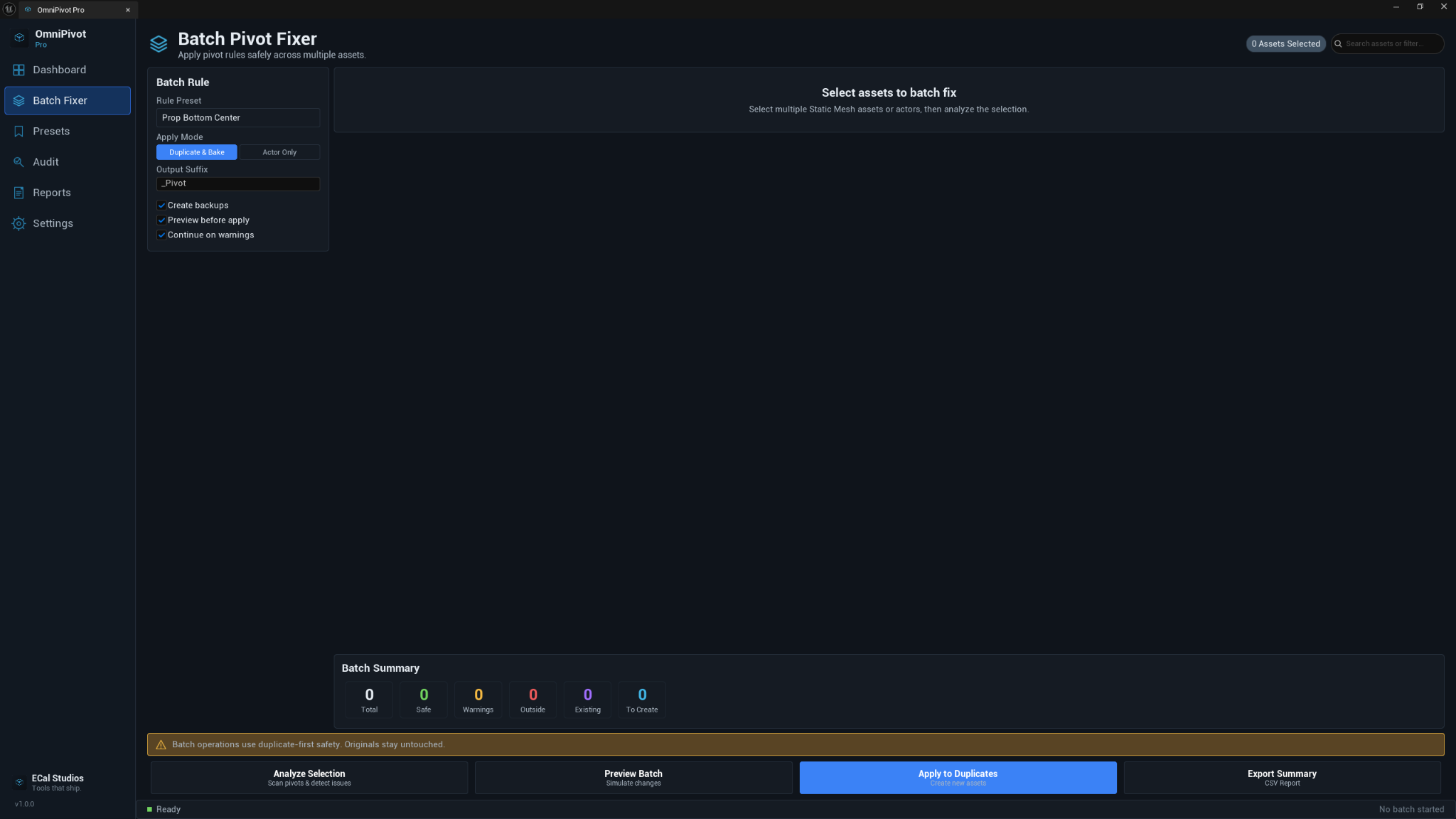
The Batch Fixer is for processing multiple Static Mesh assets. It is designed around a safer workflow: analyze first, preview the batch, then apply changes to duplicates instead of silently changing originals.
This is especially helpful for marketplace packs, imported modular kits, prop libraries, and asset folders where many meshes need the same pivot rule.
Presets
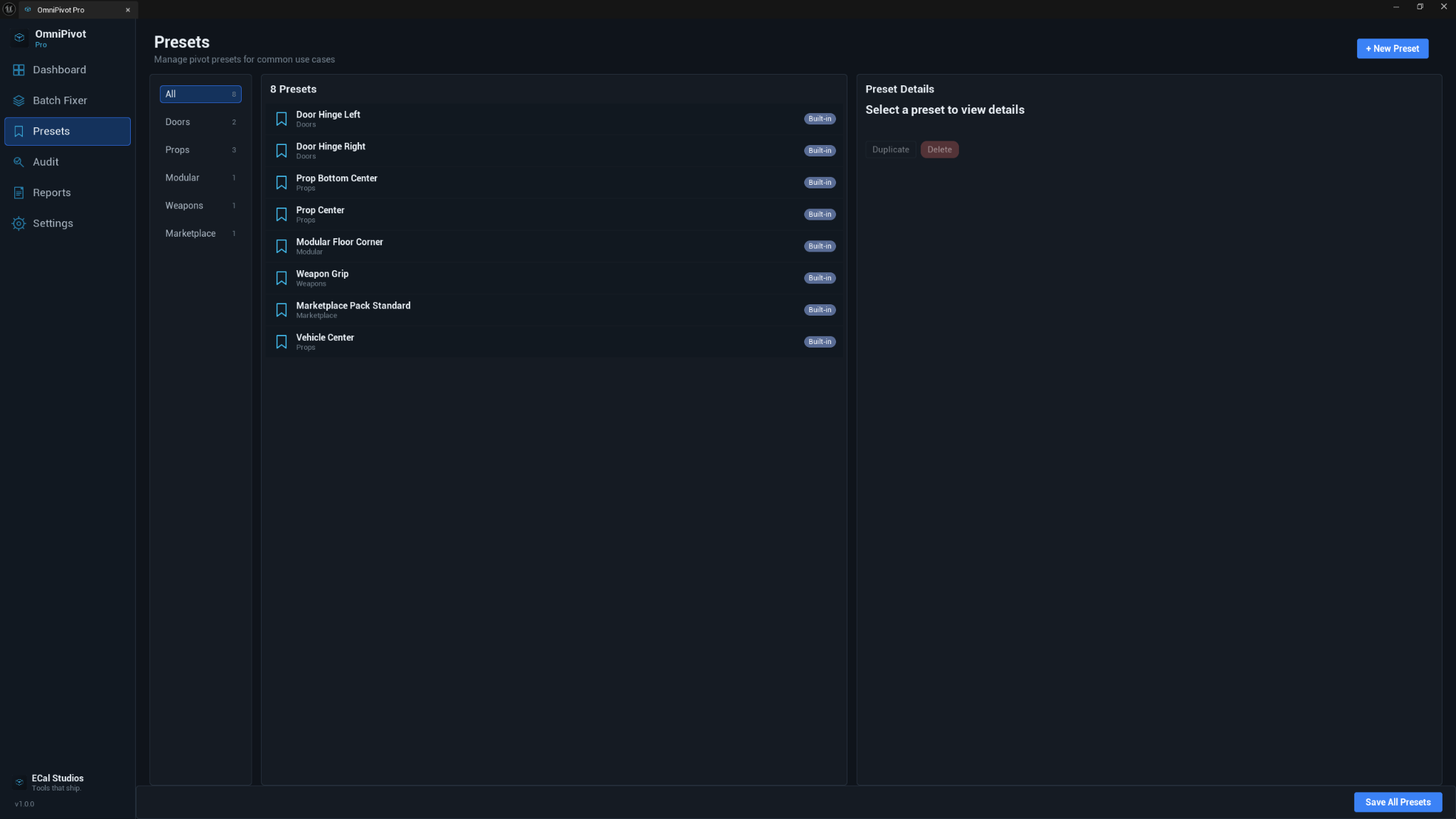
The Presets page helps you manage common pivot positions for real production use cases. Built-in preset categories include doors, props, modular assets, weapons, marketplace pack standards, and vehicles.
Pivot Audit
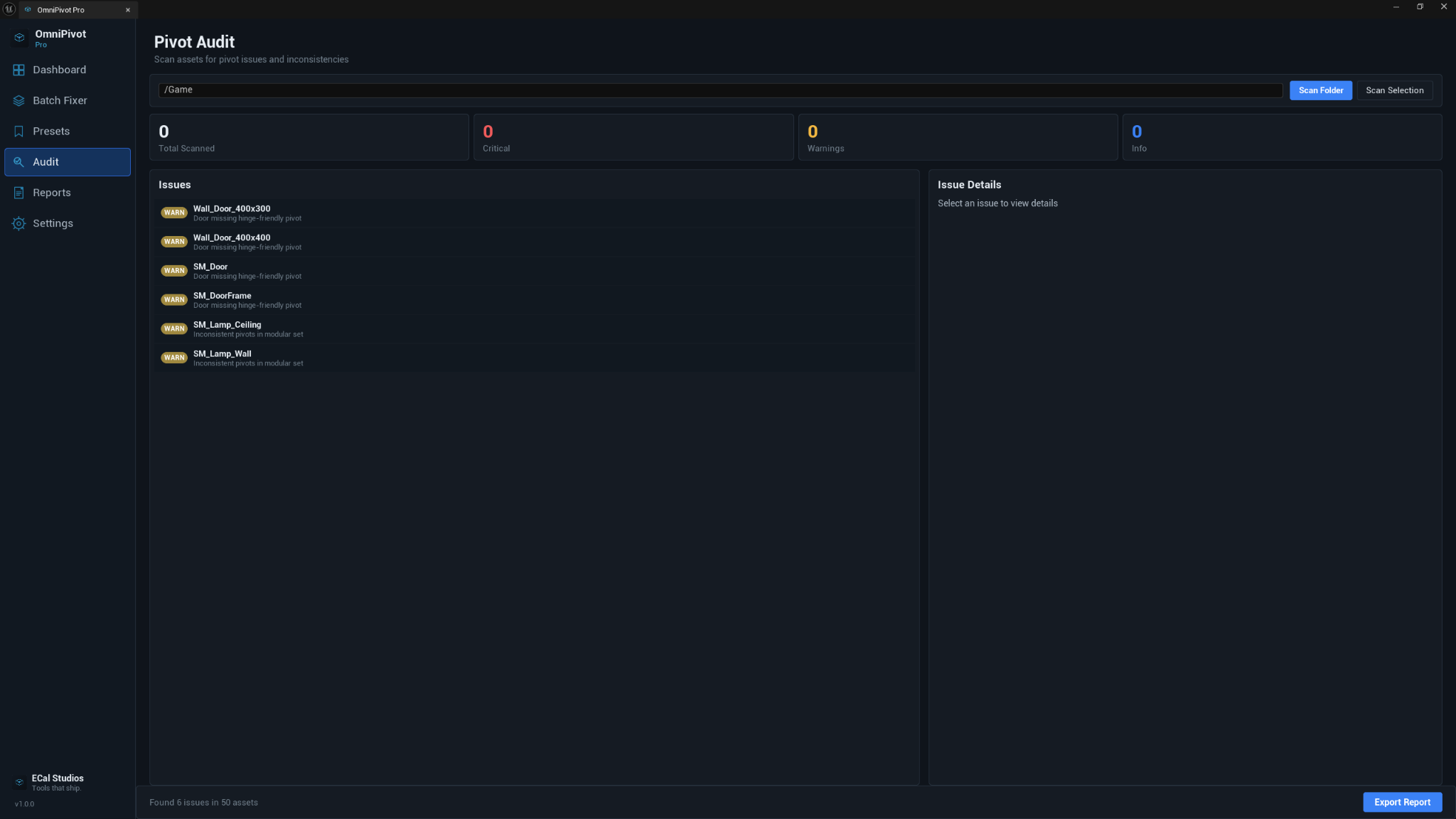
The Pivot Audit page scans assets and highlights pivot issues that are easy to miss while building content. Use it before packaging, sharing assets, preparing marketplace content, or cleaning a large project.
Details Panel workflow
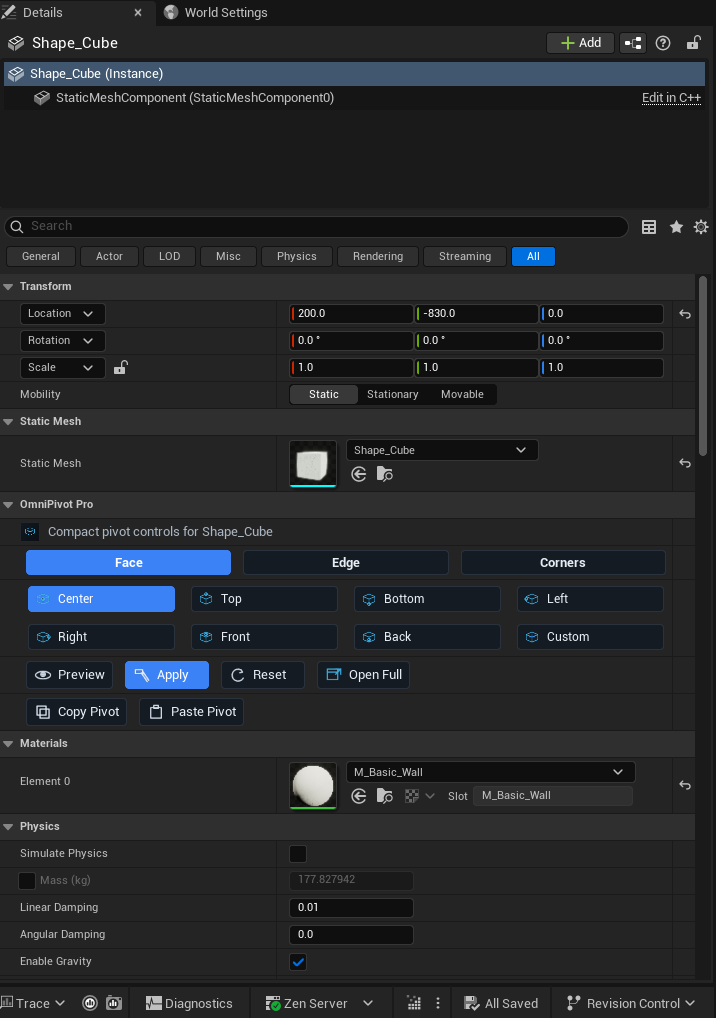
When Details Panel integration is enabled, OmniPivot Pro adds compact pivot controls directly to supported actor details. This is great when you are already editing transforms, materials, or mesh settings and want quick pivot buttons nearby.
Compatibility
| Item | Support |
|---|---|
| Unreal Engine | 5.5, 5.6, 5.7 |
| Platforms | Windows, macOS, Linux |
| Plugin type | Editor-only Unreal Engine plugin |
| Runtime impact | None. The plugin is for editor workflows only. |
Known limitations
- OmniPivot Pro is an editor-only tool and does not add runtime gameplay functionality.
- Actor pivot changes are non-destructive editor pivot offsets. Permanent mesh pivot baking is a separate action and should be previewed first.
- Batch operations are intended for Static Mesh assets. Unsupported asset types are skipped or reported instead of being changed silently.
Documentation pages
Support
For help, email [email protected] and include:
- OmniPivot Pro version
- Unreal Engine version
- operating system
- whether you were working with a placed actor or Static Mesh asset
- a short description or screenshot of the issue