LocCheck
LocCheck is an editor-only Unreal Engine plugin by ECal Studios for localization QA, String Table review, and large localization workflows.
It helps you answer the questions that become difficult once a project grows: Which strings are really translated? Which keys are actually used? Where is player-facing text hiding outside the normal localization workflow? LocCheck brings your String Tables, localization data, project assets, and review status into one focused editor window — without changing your content automatically.
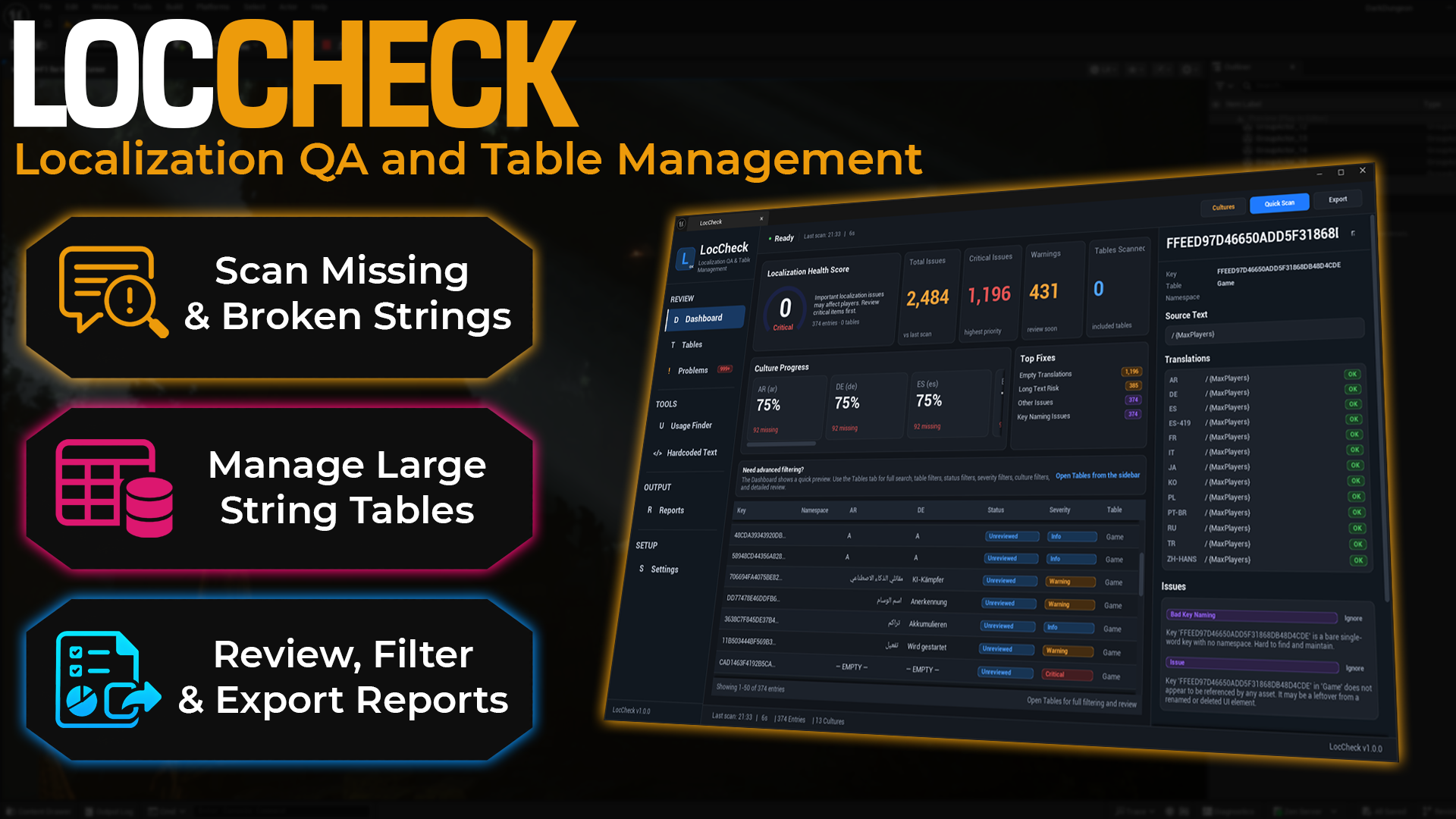
Best use case
Use LocCheck when your project already has localization data, or when you are preparing for translation, QA, Fab review, Steam release, or a wider public test.
What LocCheck helps with
-
Check real translation coverage
Read localization archives and compiled locres data directly from disk, independent of the language currently active in the editor.
-
Find where entries are used
Inspect references in Widget Blueprints, Data Tables, Data Assets, Blueprint defaults, nested structs, arrays, sets, and maps.
-
Review findings in batches
Multi-select issues, approve them, mark them for review, or ignore them without processing thousands of rows one by one.
-
Catch localization problems
Find missing or empty translations, placeholder and rich-text mismatches, long-text risks, duplicate keys, naming problems, and translation conflicts.
-
Find hardcoded text
Review Widget Blueprint text and reflected
FTextvalues stored in Data Assets, Data Tables, and safe Blueprint class defaults. -
Check font coverage
Detect translated characters that may not be supported by imported
UFontFaceassets. -
Export useful reports
Create Markdown, HTML, CSV, table split, and review status reports for QA, producers, translators, or your own release notes.
-
Stay safe during normal workflows
LocCheck is read-only toward project content and is safe to keep enabled while running Gather Text and other headless Unreal commandlets.
Dashboard overview
The Dashboard gives you a practical summary of the latest scan: localization health score, issue totals, culture progress, text risks, top fixes, and a preview of entries that need attention.
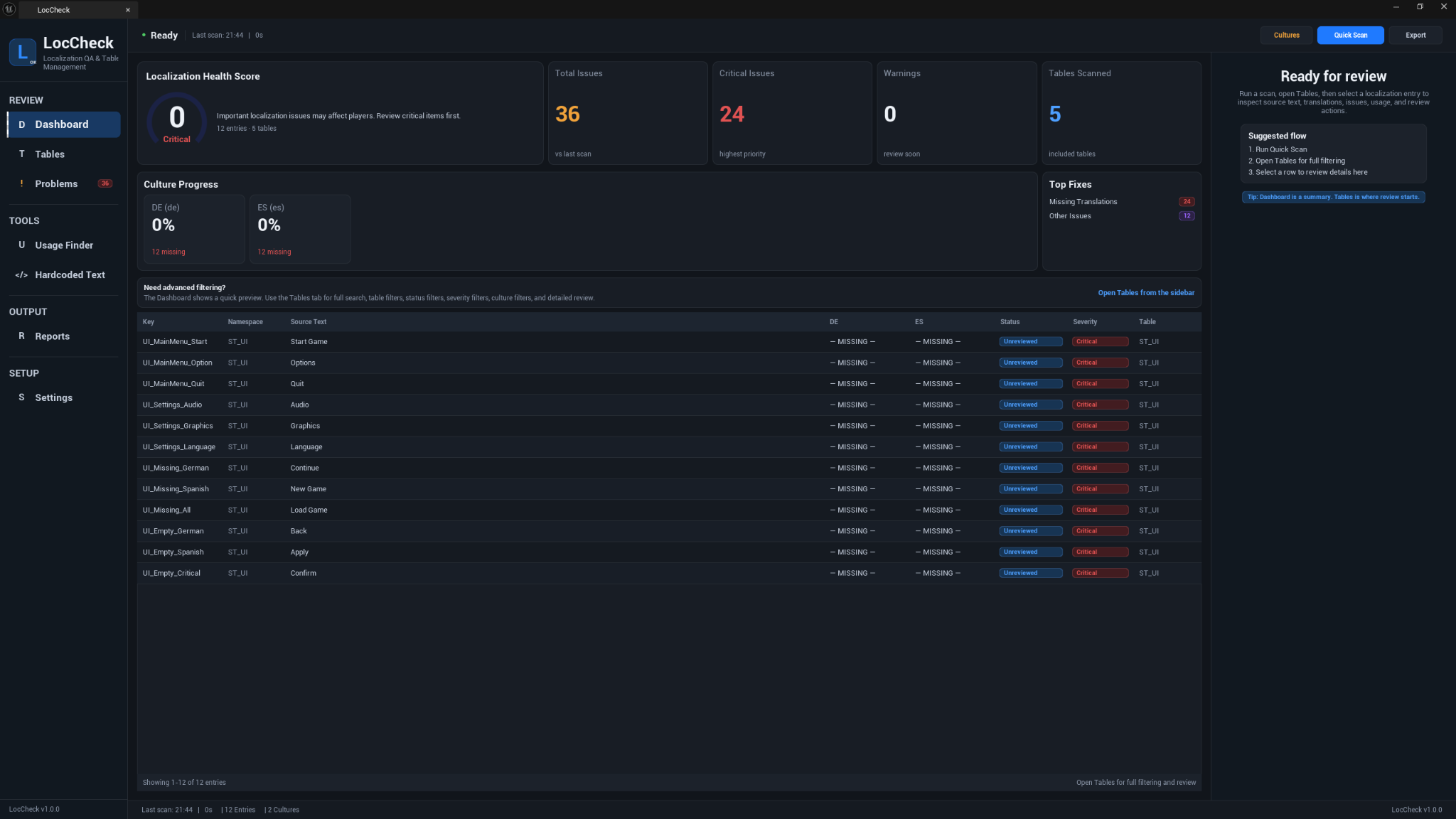
LocCheck 1.2.0
Version 1.2.0 is a major reliability and workflow update. It fixes the Gather Text commandlet crash, repairs String Table and namespaced translation detection, corrects regional culture fallback, restores real usage results, fixes Hardcoded Text filtering and scrolling, and adds a complete bulk review workflow with visible feedback and persistent statuses.
Main workflow
- Open Tools → ECal Studios → LocCheck.
- Click Quick Scan.
- Review the Dashboard for the health score, culture progress, issue totals, and top fixes.
- Open Tables to search, filter, and inspect individual entries.
- Use Problems to focus on flagged issues and review them individually or in batches.
- Use Usage Finder to locate assets that reference a key, namespace, or String Table.
- Use Hardcoded Text to review Widget Blueprint text and reflected asset
FTextvalues that may bypass localization. - Double-click supported results to reveal the related asset in the Content Browser.
- Export a report from Reports when you need a record or handoff file.
- Run Quick Scan again after translations, assets, or Gather Text data change. No editor restart is required.
Requirements
| Requirement | Details |
|---|---|
| Unreal Engine | 5.5, 5.6, 5.7, 5.8 |
| Plugin type | Editor-only |
| Runtime impact | None |
| External dependencies | None |
| Supported platforms | Windows, macOS, Linux |
| Module | LocCheck editor module |
| Current version | 1.2.0 |
Important behavior
LocCheck reads generated localization data directly from Content/Localization, using editable archives first and compiled locres data as a fallback. Translation coverage therefore does not depend on the editor language you happen to be using.
Culture names are normalized and use Unreal's parent-culture rules. For example, fr-CA may fall back to fr, but one regional culture is never silently substituted for a sibling culture. When two localization targets provide different translations for the same namespace and key, LocCheck reports a Translation Conflict instead of hiding the disagreement.
Usage results also show whether coverage is complete. An entry is only described as unused when all relevant referencers were inspected successfully. Limited, cancelled, or failed scans are shown as incomplete rather than as zero usage.
Known limitations
- Runtime-generated String Table keys cannot always be discovered statically and may still appear unused. Use the ignored namespace setting or the per-entry Ignore action for intentional dynamic keys.
- Blueprint graph-pin text literals are not currently included in usage detection. Serialized values in widgets, Data Tables, Data Assets, and class defaults are supported.
- When an asset cannot be loaded or the usage scan is limited, LocCheck reports incomplete coverage instead of declaring the entry unused.
Fab listing
LocCheck is available on Fab: Open LocCheck on Fab.
Documentation
Support
For support, email [email protected] and include:
- LocCheck version
- Unreal Engine version
- Operating system
- A short description of what happened
- Relevant Output Log lines containing
LogLocCheck - Screenshots when the issue is visual