App Settings
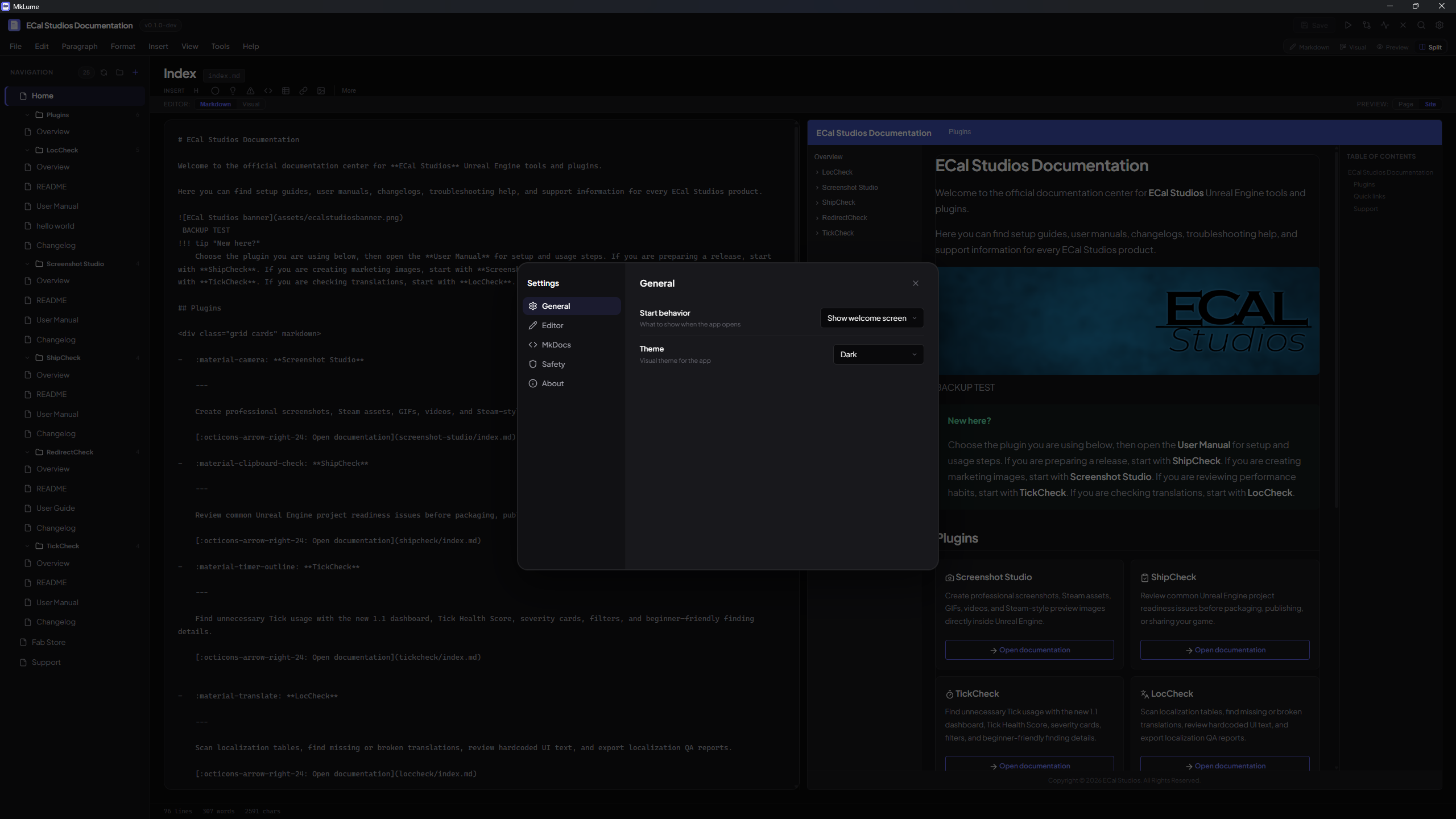
MkLume app settings control how the editor behaves. These are separate from your project's Site Settings, which configure mkdocs.yml.
Open settings from the app menu or through the command palette.
Startup
Choose how MkLume opens:
- Welcome screen — show recent projects and create/open actions.
- Reopen last project — return to the project you were using last.
Appearance
Common appearance settings include:
- Dark theme.
- Light theme.
- System theme.
- Editor font size.
- Word wrap.
Saving
Autosave
Autosave saves changes after a short period of inactivity. It is a safety net, not a replacement for intentional saves.
You can still save manually with Ctrl+S.
Backup before save
When enabled, MkLume keeps a backup copy before overwriting a file. This gives you a way back if a save goes wrong.
Recovery drafts
Recovery drafts help restore unsaved work after a crash, power loss, or accidental close.
Tools and build runtime
Installed Windows builds include an app-managed MkDocs runtime for build, export, and local serve actions.
Advanced users may still see tool/runtime settings for special workflows, source builds, or custom environments. Only change these if you know you need a custom setup.
Warning dialogs
MkLume can show confirmation dialogs before important actions such as deleting pages, removing recent projects, overwriting files, or switching away from unsaved work.
Warning
Disable confirmation dialogs only if you are comfortable with those actions happening immediately.