OmniPivot Free
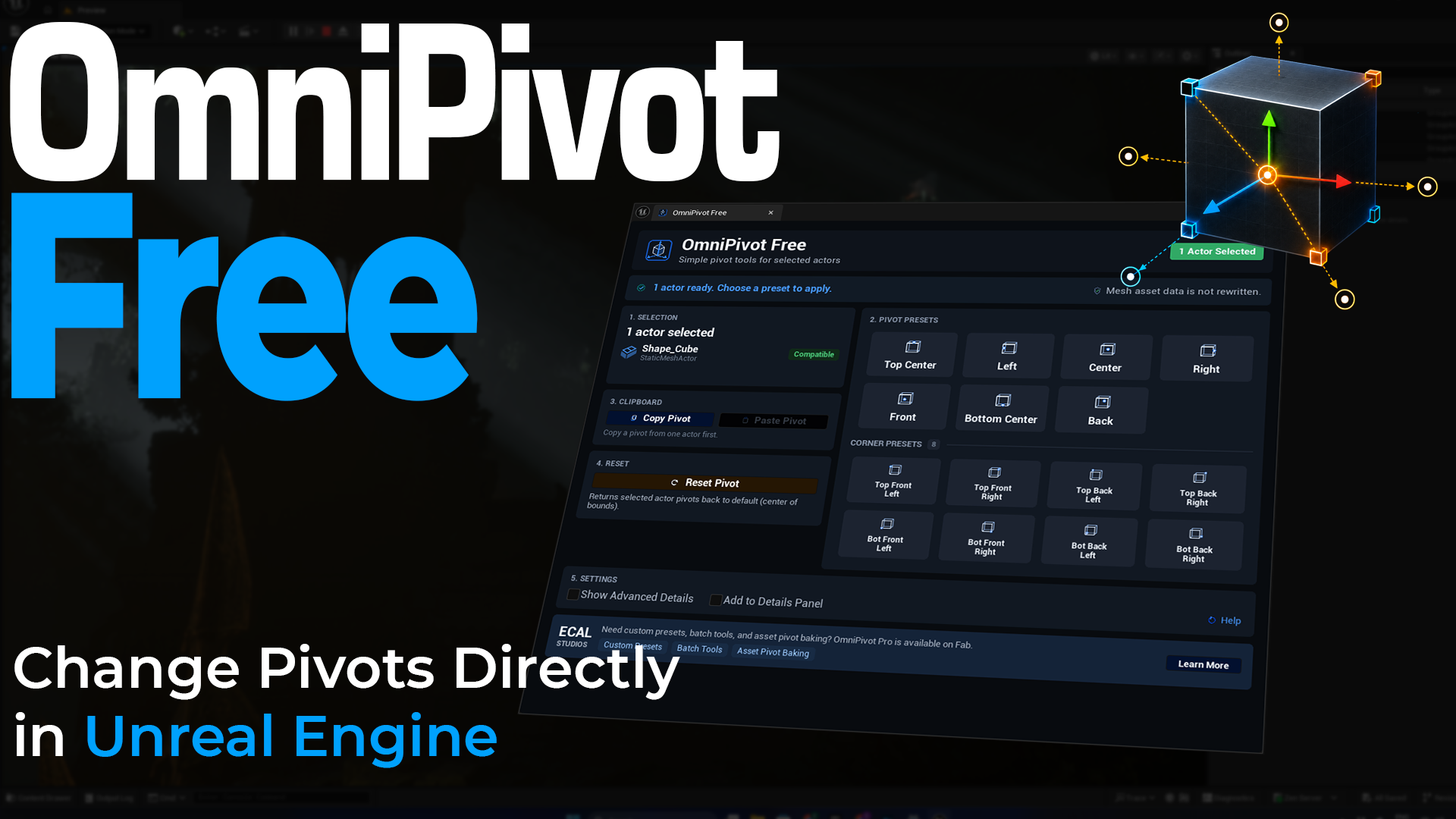
OmniPivot Free is a free Unreal Engine editor plugin for changing placed actor pivots directly inside the editor.
It is made for one very common problem: you import or place an asset, the pivot is not where you need it, and you want a quick way to fix the working pivot without leaving Unreal Engine.
OmniPivot Free gives you a small, focused toolset for everyday pivot work: preset positions, corner presets, copy/paste pivot, reset pivot, and an optional compact section inside the Unreal Details Panel.
Current release status
OmniPivot Free documentation is prepared for version 1.0.0. The Fab link should be added after the listing is live.
What it helps with
- Move a selected actor pivot to useful positions like Center, Bottom Center, Top Center, Left, Right, Front, or Back.
- Snap the pivot to one of the 8 actor bounds corners.
- Copy a pivot setup from one placed actor and paste it to another.
- Reset selected actor pivots back to the default actor pivot offset.
- Use quick pivot buttons from the full dockable panel or directly inside the Details Panel.
Key features
-
Fast pivot presets
Apply common pivot positions to selected compatible actors with one click.
-
8 corner presets
Move pivots to top/bottom, front/back, left/right bounds corners for modular placement and alignment workflows.
-
Copy / Paste Pivot
Copy a pivot offset from one actor and paste it onto another compatible actor or selection.
-
Reset Pivot
Return selected actors to their default pivot offset when a temporary adjustment is no longer needed.
-
Dockable editor panel
Keep OmniPivot Free open as a normal Unreal Editor tab while working in your level.
-
Details Panel addon
Enable Add to Details Panel to show compact Quick Pivot controls beside the normal actor properties.
Main editor workflow
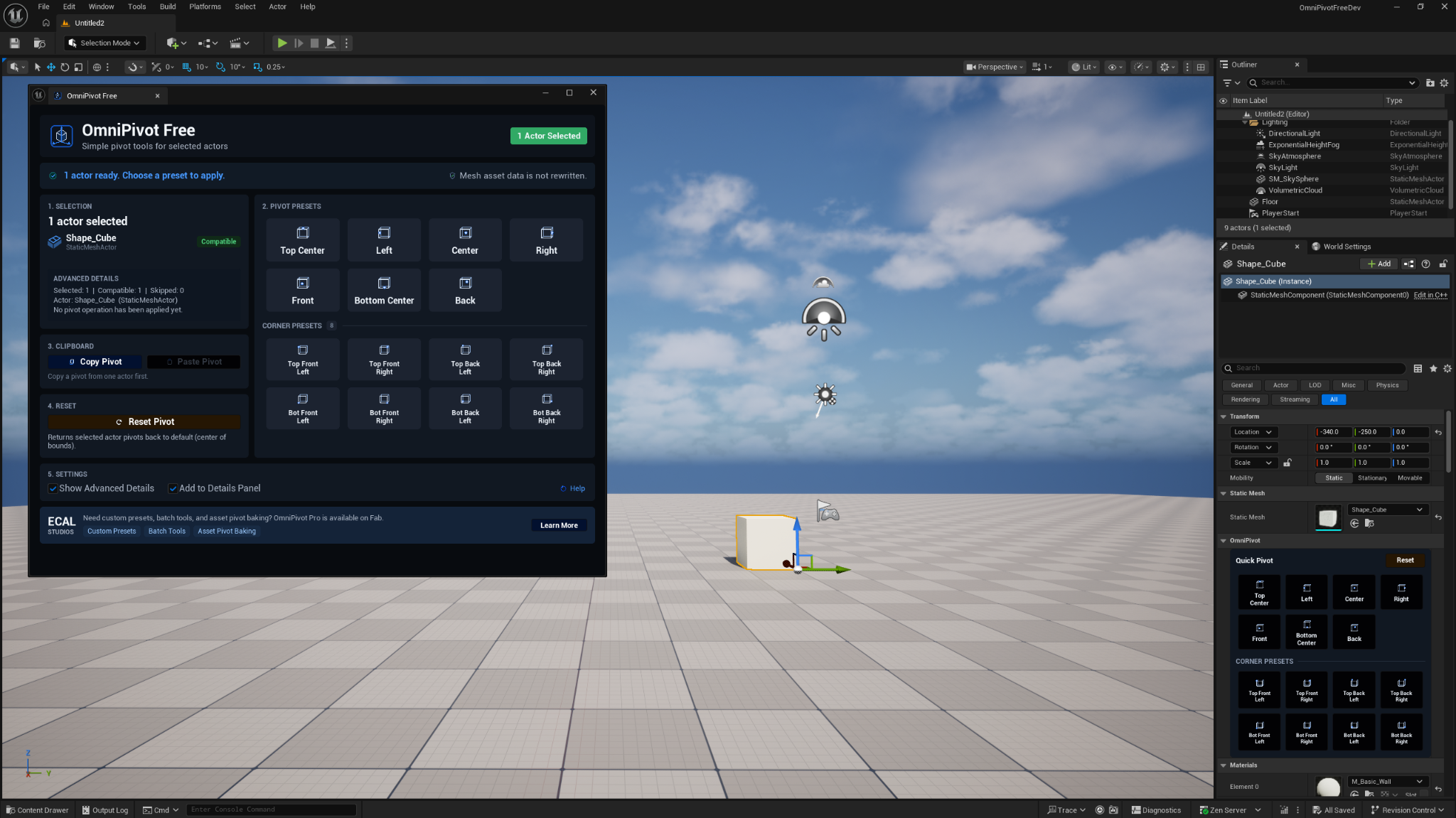
Open the plugin from:
Tools → ECal Studios → OmniPivot Free
Select a supported actor, choose a pivot preset, and the plugin applies the pivot offset to the placed actor in the level.
Main panel

The full panel is best when you want the complete workflow visible: selection state, preset buttons, corner presets, copy/paste, reset, settings, and status feedback.
Details Panel workflow

When Add to Details Panel is enabled, supported actors show an OmniPivot section in the Unreal Details Panel. This is useful when you are already editing actor properties and want quick pivot buttons nearby.
Supported actors
OmniPivot Free is focused on placed mesh actors in the level.
| Supported | Notes |
|---|---|
StaticMeshActor |
Main supported workflow. |
Actors with a StaticMeshComponent root |
Supported when the plugin can safely calculate bounds and apply the pivot offset. |
Unsupported or skipped actors can include landscapes, BSP/brush actors, hidden editor-only actors, actors in hidden levels, and actor types where a safe static mesh pivot workflow does not apply.
Compatibility
| Item | Support |
|---|---|
| Unreal Engine | 5.5, 5.6, 5.7 |
| Platforms | Windows, macOS, Linux |
| Type | Editor-only Unreal Engine plugin |
Important limitation
OmniPivot Free changes the pivot offset of placed actors. It does not permanently rewrite or bake the pivot into the Static Mesh asset itself.
That is intentional for the free version. It keeps the workflow simple, fast, and non-destructive for level editing.
Documentation pages
Support
For help, email [email protected] and include:
- OmniPivot Free version
- Unreal Engine version
- operating system
- what actor type you selected
- a short description or screenshot of the issue